








DeskAlerts - the most customizable desktop alert software

DeskAlerts Combines High Performance with Ease-of-use
Get advanced, secure communication capabilities at an affordable price

Home   |   Features

DeskAlerts Features

A robust and easy-to use desktop alert system

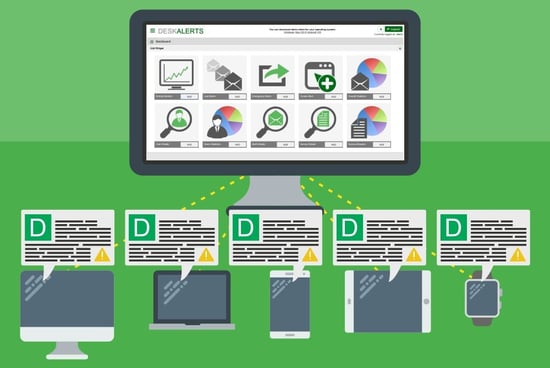
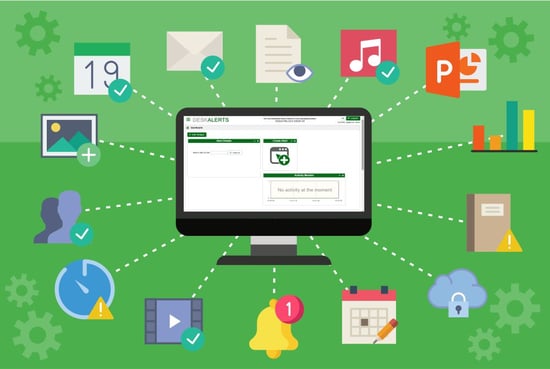
Our server-side and client-side software offer an extensive range of features which add up to a very robust solution that delivers the functionality you need in order to keep everyone informed.

DeskAlerts Server DeskAlerts Client


DeskAlerts Server

Easy to install - in hours
DeskAlerts software comes with a simple installation wizard and can be installed company-wide within a few hours.

Easy to use
DeskAlerts is extremely intuitive and user-friendly; just click the 'Send Alert' button and follow the wizard.

Web-based control panel
DeskAlerts' web-based control panel makes it possible to access your account and send alerts from any web-enabled device with an internet connection.

100% guaranteed alert delivery
DeskAlerts guarantees that every message will be shown on the desktop. The DeskAlerts server checks every message sent to every user, and confirms message receipt.

Instant delivery
Your alert can be delivered to thousands of users within a minute. Delivery time settings are adjustable to allow for varying server capacity limits.

Message templates
Pre-made message templates allow you to quickly create your alerts, and the DeskAlerts control panel allows you to work with multiple alert templates.

Design eye-catching content
Messages can be sent in any format desired; you can work with colors, fonts, and styling, or use HTML text to create an attention-grabbing message.

Send flash, video, audio, and documents
Add images, animation, video, flash presentations, audio, and attached documents to your alerts. Rich interaction increases user interest and information retention.

RSS support
DeskAlerts allows you to subscribe your users to RSS feeds, both individually and in groups, with administrator-controlled subscriptions.

Schedule message delivery
You can schedule your alerts to be sent on an appointed date and time, as well as to automatically expire after the alert message is no longer valid.

Urgent alerts
Urgent alerts are specifically for sending emergency alerts. They have a higher status and will be displayed even to users who have disabled alerts, on terminals that are in stand-by mode, or on top of any other alerts.

Personalized alerts
DeskAlerts can be addressed to a specific user. This feature helps personalize your alert communication with each individual employee.

User groups
DeskAlerts supports multi-level groups. You can separate users by offices or departments and send information which is relevant only for this group.

Centralized data storage
All DeskAlerts data is stored in a secure Microsoft SQL database. Data centralization allows you full tracking and reporting capabilities, as well as the ability to easily backup or move data to another server in case of hardware failure.

DeskAlerts Client

Easy to install and configure
The administrator can easily install DeskAlerts on the client side by using the configuration wizard. There is no need to configure firewalls, proxies, or internet settings, as the Client uses a standard HTTP port 80 and automatically acquires all internet settings from Internet Explorer.

Small client application size
The DeskAlerts client is very compact and requires minimal system resources.

Network load optimization
The Desktop client has been optimized to require fewer bandwidth resources. When users are away from their computers, the Desktop client goes to stand-by mode to reduce the traffic load.

Standalone Application
The DeskAlerts desktop client is a standalone application that provides support for older Windows versions, terminal services, and multiple user accounts on a single workstation.

Custom menu
You can change any menu structures by removing options or adding shortcuts to your intranet site, forums, or software programs to help ease navigation of your corporate resources.

Message history
All DeskAlerts clients keep a message history so that your employees can quickly search and reference received alerts.

Connection checking
The desktop client automatically checks for the server connection and warns users when the connection is lost.

Automatic Upgrades
The DeskAlerts client supports automatic upgrades, without affecting changes you have made in the application.

Sound notification
The desktop client will play a sound to attract attention as new messages arrive. Users can turn the sound on or off.

Disable closing
DeskAlerts can be configured by the administrator to prevent closing itself. This prevents users from accidentally closing the application.

Disable uninstalling
DeskAlerts can be configured to prevent it from uninstalling itself. The administrator can configure the client so that it can be uninstalled from various locations. This prevents users from accidentally removing the application.

Copyright © Softomate, 2006-2008. All Rights Reserved