When an outage takes out email or Teams, the usual way of telling employees goes down with it. This guide sets out the outage notification sequence – first alert, updates, all-clear – and explains which channels still work, how to target the affected employees and how to confirm who received each alert.
Sign-in fails and the service desk queue starts to fill. The technical fix may take hours, but employees need to hear from IT within minutes. That is far easier when the channel, the recipient list and the wording are ready in advance.
Short answer. To notify all employees about a system outage, send the first alert through a channel that does not depend on the failed system – desktop pop-up, mobile app or SMS – as soon as the impact is confirmed. Follow with time-stamped updates at the interval you promised, then close with an all-clear to the same audience.
Table of Contents
1. Why email and chat cannot carry the outage message
2. The outage notification sequence: first alert, updates, all-clear
3. Which channels still reach employees during an outage
4. Reaching only the affected teams, offices or services
5. Confirming who received the alert
6. Where employee notification software fits
7. Before the next outage
8. Frequently asked questions
Why email and chat cannot carry the outage message
Many IT teams announce problems the same way they announce everything else: by email or in a Teams or Slack channel. During an outage those channels may be the systems that have failed. When Microsoft 365 or the identity provider is down, email and Teams can stop together. In November 2024, for example, a Microsoft 365 incident disrupted Outlook and Teams for many users from the morning of November 25 until Microsoft confirmed the next day that the issue was resolved.
Two other tools are often proposed for the job, and each covers only part of it:
- Status pages and service portals are the right single source of truth, but employees have to go looking for them. A portal behind the same single sign-on as everything else becomes unreachable when identity services fail.
- On-call and incident response platforms are built mainly to reach the engineers who restore the service, rather than every employee waiting for it.
Atlassian's guidance on incident communication treats the general employee population as a separate audience, and notes that keeping them informed means fewer status questions and fewer duplicate support tickets. Government guidance also covers the choice of channel. "Communicating Under Pressure", the September 2026 joint guidance from CISA, the FBI and allied cyber agencies including the UK NCSC, is written for service providers, but its advice applies to any IT team: establish and regularly test backup communication methods – SMS and phone trees, out-of-band communications – for moments when primary systems are degraded or compromised.
The outage notification sequence: first alert, updates, all-clear
Every unplanned outage needs the same three kinds of notice.
| Stage | When to send | What it says | Who receives it |
|---|
| First alert | As soon as the impact is confirmed, before the cause is known | What is affected, in the employee's terms; who is affected; what to do now – the workaround, or that no action is needed; when the next update will come | Users of the affected service |
|---|
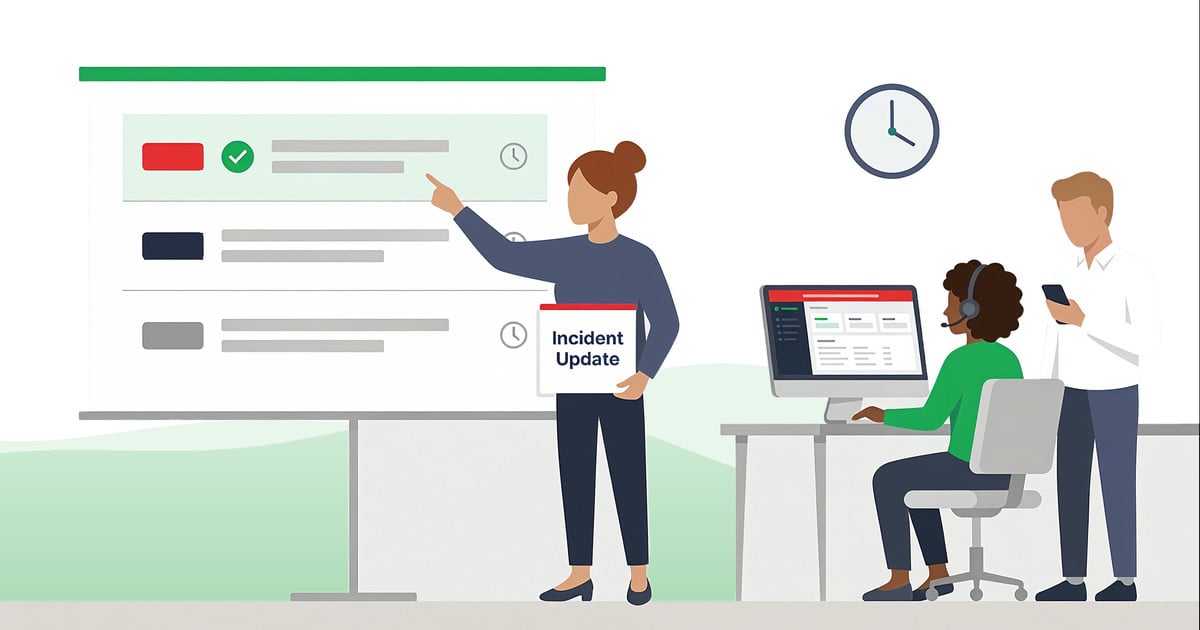
| Incident updates | At the time the previous notice promised | Time stamp; what has changed in scope or workaround; the new next-update time | The same audience, adjusted as the scope becomes clear |
|---|
| All-clear | When the service is restored and verified | What is working again and from when; any action needed (restart the app, sign in again); how to report a remaining problem, with the incident reference | Everyone who received the first alert |
|---|
Two rules apply to every notice:
- Say what is known and what is not. Atlassian advises acknowledging the issue in the first contact even before the details are clear; the CISA-led guidance adds a time stamp to every update, even when there is no new information.
- Link every notice to the status page. Keep the alert short and put the details on the page.
Planned maintenance uses the same sequence shifted earlier: an advance notice when the change is approved, a reminder on the day, a start notice and a completion notice. For approved wording of each stage, see nine IT outage notices, from the first notice to the reason for outage.
Which channels still reach employees during an outage
No channel survives every failure, so the table sets out what each one depends on.
| Channel | Depends on | Strength in an outage | Limit |
|---|
| Email | Mail service and sign-in | Fine for planned maintenance and the post-incident summary | Fails in a mail or Microsoft 365 outage; waits in the inbox |
|---|
| Teams or Slack | The platform and single sign-on | Fast when the platform is healthy | Fails with the platform; messages scroll away in busy channels |
|---|
| Desktop pop-up alert | The alerting server and the computer's network connection | Appears on screen, over the application in use | Does not reach people away from their desks |
|---|
| Ticker, lock screen, screensaver | The same as pop-up alerts | Keeps the current status visible during a long incident | Secondary to the first alert, not a substitute |
|---|
| Mobile app push | The alerting server and the mobile network | Reaches frontline and remote employees | Requires the app on the employee's device |
|---|
| SMS and voice call | An SMS gateway and current phone numbers | Works without the office network | Short text only; numbers must be kept current |
|---|
A Microsoft 365 outage takes out email and Teams, but SMS and desktop alerts from a separate server can keep working. A network or site outage can cut computers off from every server, so that site needs SMS or the mobile app. For each critical system, choose at least one channel that does not fail with it.
Reaching only the affected teams, offices or services
When every outage notice goes to the whole company, most employees receive alerts that do not affect them and become less likely to pay attention to the next one. Send each notice to the people who use the affected service or work in the affected place:
- By service: directory groups from Active Directory or Microsoft Entra ID that correspond to the users of the application.
- By organization: organizational units – a department, a business unit, a subsidiary.
- By location: an office or site, identified by its network range, when the outage is local.
- By device: specific computers, for example the shared workstations on one production line.
Early in an incident the scope is often unclear. Send the first alert to the groups you know are affected, say that the scope is still being confirmed, and widen the audience if needed.
Confirming who received the alert
Email to a distribution list does not reliably show who read it: read receipts depend on each recipient, and delivery to a mailbox does not mean anyone saw it. For a notice that asks employees to act – save their work before a restart, stop entering orders, use the backup system – IT needs to know who received the alert and who acknowledged it.
- Follow up on the gap, not the whole company. Identify the employees who have not acknowledged the alert and, if necessary, contact them through another channel.
- Keep the record for the review. The time of the first alert, the audience and the acknowledgment figures belong in the post-incident review next to the technical timeline.
The service desk side – parent incidents, portal banners, measuring tickets per incident – is covered in our guide on how to reduce helpdesk tickets during IT outages.
Where employee notification software fits
Employee notification software covers three needs: a channel independent of the failed system, delivery to the affected groups and a record of who received and acknowledged each notice. This is how it works in DeskAlerts, our own IT outage notification software:
- A separate delivery path. Desktop alerts travel from the DeskAlerts server, cloud-based or on-premises, to an agent on each computer rather than through the mail system or the chat platform. IT can therefore send the first alert while email and Teams are down. Like any desktop channel, the agent needs a network connection to the server.
- Formats for each stage. Pop-up alerts, including full-screen, for the first alert; high-priority alerts appear on top of other windows. A scrolling ticker, and on Windows computers a lock screen or screensaver, can carry the status during a long incident.
- Multi-channel delivery. One alert can go to computers, the mobile app, SMS, email and Microsoft Teams, and can also be sent as a text-to-call voice message. SMS and voice calls run through a third-party gateway such as Twilio.
- Audience targeting. Recipients can be everyone, groups, organizational units, IP ranges, individual users or specific computers, with users and groups synchronized for Active Directory alert targeting or Microsoft Entra ID.
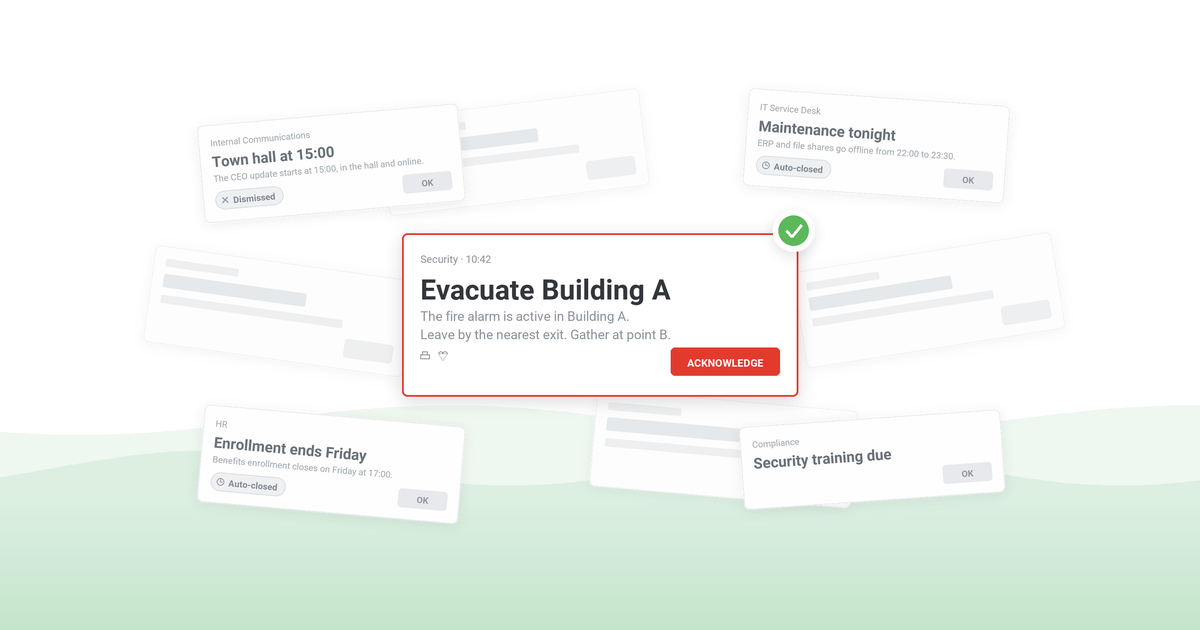
- Acknowledgment and follow-up. With acknowledgment enabled, the alert closes only when the employee clicks "Acknowledge". Alert statistics and the Users Report show who received the alert, who did not and who acknowledged it, with export to CSV or XLSX, and the alert can be resent only to those who have not received or not acknowledged it. Acknowledgment is documented for desktop alerts; in the mobile app, receipt is recorded when the employee opens the alert.
- Preparation. Templates and saved drafts hold the approved wording; scheduled and recurring alerts cover maintenance windows; the Keep Active setting continues delivery attempts to offline devices for a set period; and an integration with a monitoring or IT service management (ITSM) tool can send alerts through the REST API.
Case study
City of Lenexa, Kansas
The city's IT team uses alerts for system outages, office closures and emergencies. Before, when internal servers were down, staff had to be reached by phone. Dan Harless, IT manager at Lenexa City Hall: "The DeskAlerts software comes in particularly handy when our email servers are down. We are able to let our staff members know as soon as a problem occurs and notify them when we’re back up and running at full capacity."
Read the City of Lenexa case study ›
Before the next outage
A short readiness list for the IT operations lead:
- For each critical system, record the user groups that depend on it; application users often do not match directory groups exactly, so find the differences now rather than during an outage.
- Name a communications owner and an after-hours deputy: the incident manager runs the fix, the communications owner writes and sends the notices.
- Approve the wording of the first alert, the update and the all-clear in advance, including a version for security incidents, cleared by the security team.
- Keep directory groups, sites and mobile numbers current – outdated data means the alert misses people.
- Test the backup channel on a schedule, for example as part of a cybersecurity tabletop exercise, rather than for the first time during an outage.
- After each incident, compare the time of the first alert with the time of the first related ticket.
The same discipline applies to every company-wide notice, not only outages; our guide to building an employee notification process covers the wider setup.
Free checklist
Check whether your IT communication setup can survive a real outage. The IT Communication Resilience Checklist helps you review your channels, failovers and compliance and find gaps before the next incident.
Prepare your outage alerts before the next incident
DeskAlerts delivers outage alerts to computers, the mobile app and SMS, targets the affected groups and records who received and who acknowledged each alert.
Frequently asked questions
What is the difference between on-call alerting and employee notification during an outage?
On-call alerting tools notify the engineers responsible for a service, follow a rota and escalate until someone responds; their job is to start the fix. Employee notification tells the people affected by the outage what is down, what to do now and when the next update will come. An IT team needs both: the first to restore the service, the second to keep the workforce working and the service desk queue short.
What is an out-of-band channel for outage communication?
An out-of-band channel is a way of reaching people that does not run through the systems affected by the incident. For an outage of email and collaboration tools, that can mean SMS, voice calls, a mobile app or desktop alerts from a separate notification server.
When should IT send the all-clear after an outage?
IT should send the all-clear once the service is restored and verified, not at the first sign of recovery. A premature all-clear followed by a second failure costs more trust than a short delay, so the service desk should confirm that users can work normally before the notice goes out.
Do employees need to acknowledge every outage update?
Acknowledgment is worth requesting on the first alert and on notices that ask employees to act, such as switching to a backup system. Routine status updates work better without it: when every message demands a click, employees acknowledge out of habit and the signal loses its value.


 Steve Wilson: Nov 10, 2026, 8:00:00 AM