Quizzes
Test employees' knowledge and add gamification to internal communications
• Deliver surveys directly to employees' screens (desktop and mobile)
• Set up automated remindersif they haven’t filled it in
• Segment your staff based on their responses

Employee surveys and polls are sent to staff members to get information and feedback. A survey is usually more in-depth at canvassing opinions, delivering a set of questions to a selected audience where a poll will generally ask for quick feedback on a topic. Poll results differ from surveys in that they can be seen by everyone who submits an answer to the questions. Both surveys and polls can be sent easily to employees’ desktops and mobile devices with DeskAlerts.
DeskAlerts allows you to send surveys or polls straight to your employees’ devices to quickly and easily get their feedback and see the results instantly.
The questionnaires are delivered via pop-up notifications directly to desktops and push notifications to mobile phones.
Unlike using email or web browser based surveys, DeskAlerts, immediately sends you feedback from the majority of your workforce. Additionally, employees are automatically reminded to finish the survey which improves completion rates up to 100%.
Easy to use and convenient tool to gather the data you need.
Reliable tool to analyze the data, get insights and improve the situation.
Start getting data the same day you send the survey.
Estimate the shift in people responses over time to determine an improvement or decline of selected metrics with a rolling report feature (available for recurrent surveys).
Reports can not only show individual responses, but also calculate mean and median values.
Easy to use and fast to set up staff survey tool that enables you to create surveys in seconds using pre defined templates and get responses in minutes. Respondents love it for its convenience!
Employee engagement
Measure employee engagement and satisfaction, the results of your internal communication activity, explore employee experience.
Conduct anonymous surveys, pulse everyday surveys or polls.
IT communications
Use surveys as an express IT troubleshooting tool. If you're not sure about the source or the extent of an IT issue - ask your workforce whether they are experiencing service disruption or other errors.
Employee feedback
Conduct 360° feedback survey, business process feedback surveys, explore organizational culture and employees’ responses to changes.
Invite people to events and send the program details only to those who plan to come.
Resource management
Ask geographically separated locations (regional offices, retail stores etc) about any resources they may need.
Health screening
Conduct daily check in and workplace safety surveys. Ask staff who’ve had recent business trips COVID related questions.
Emergency communication
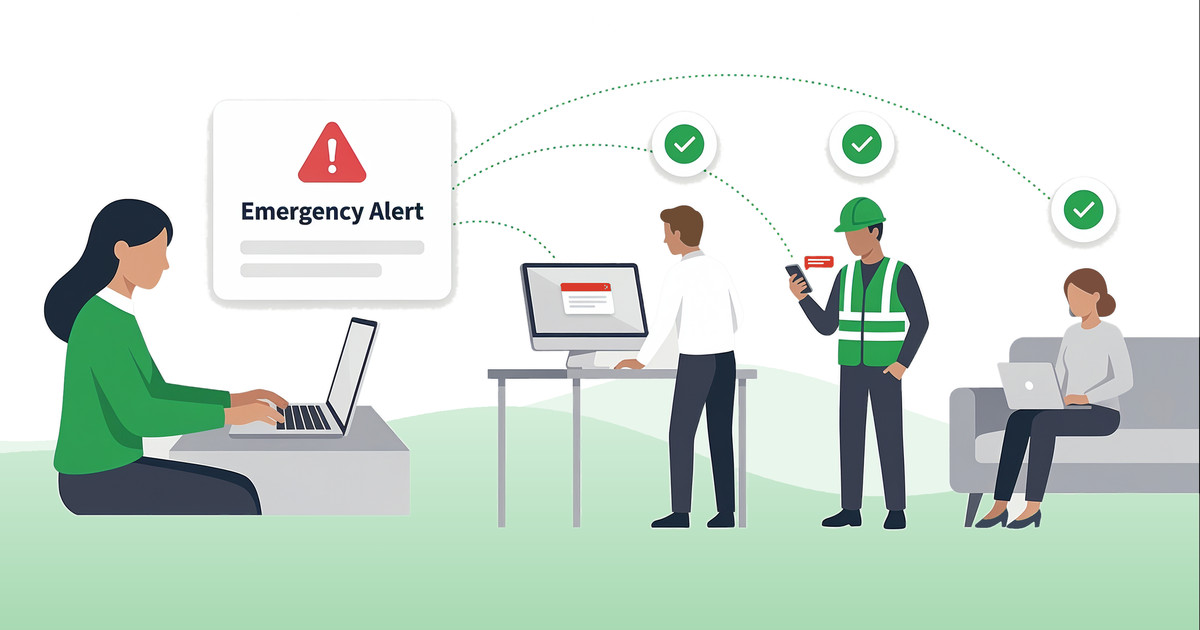
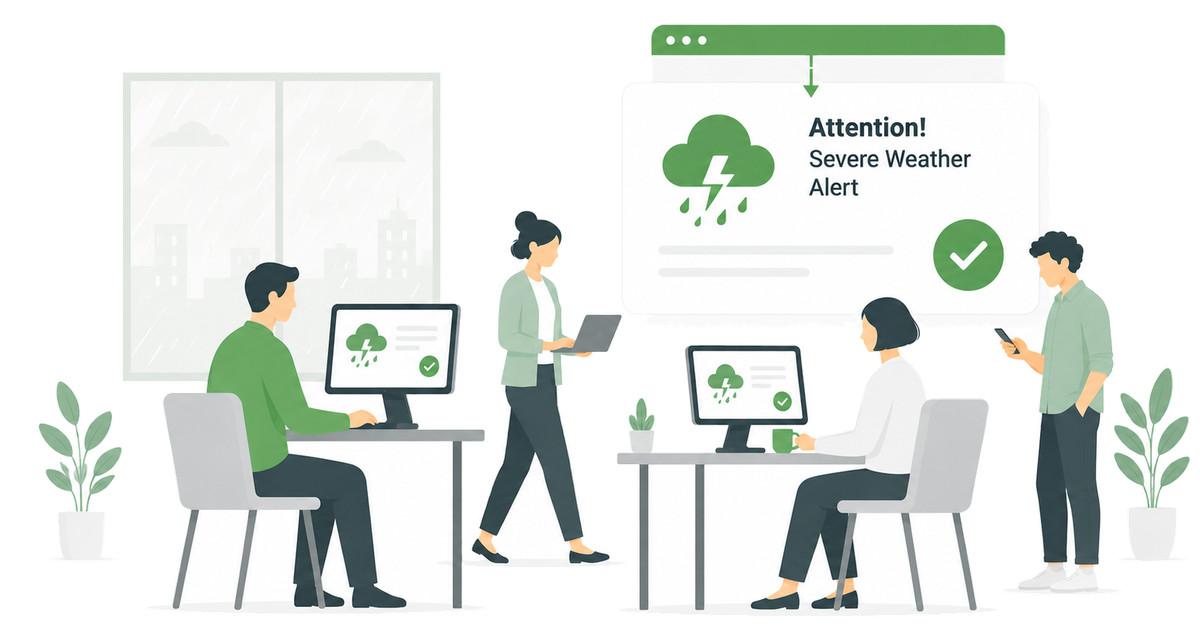
In an emergency, send instant surveys to find out who is in danger and who is not.
Target employees by name, position,
location, department, based on their answers etc.
You can create and schedule your employee surveys to send at a specific time
Single choice, multiple choice, linear scale, free answer etc.
Use you brand identity including logo,
colors and font.
You’ll be able to have real-time reporting as your employees respond. Analyze the common trends and culture shifts.
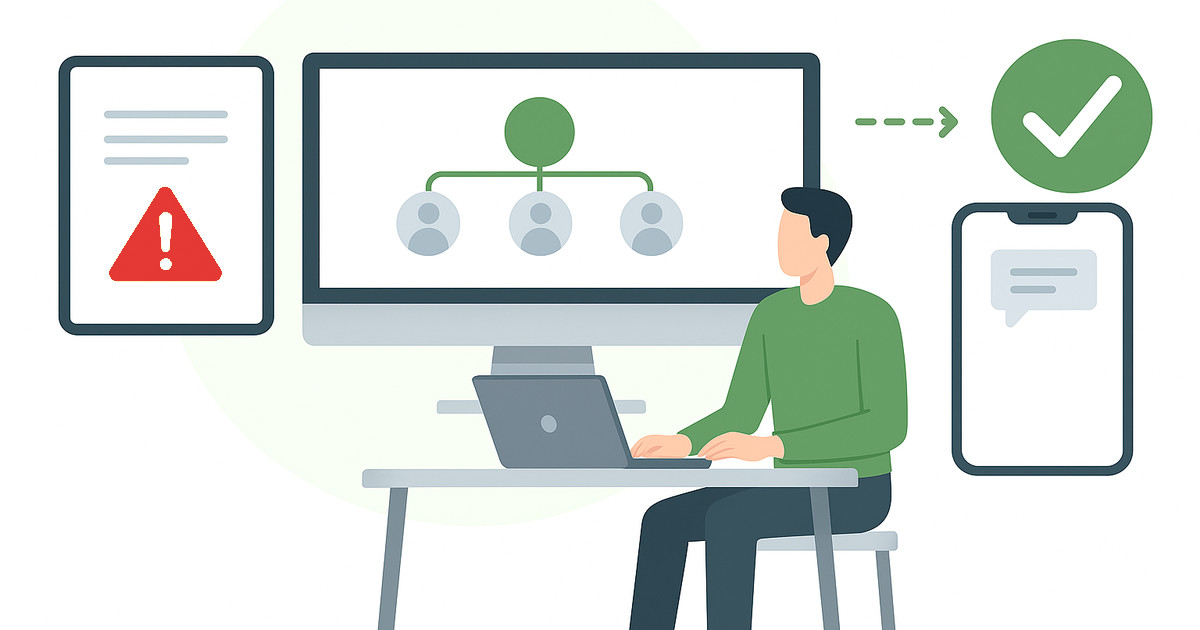
Use your company’s Active Directory to send to different groups of employees.
Choose the size (up to the entire screen)
and placement on the screen.
Automatically publish recurring
surveys on a given schedule
Use surveys to segment
your audience based
on their responses
Collect Information From Your Employees
“We chose DeskAlerts as a way to deliver messages throughout our organization. We particularly like the SMS and email features, and regularly use the survey module to gather feedback.”
The Pop-Up Feature Is Very Worthwhile
“The immediate response to DeskAlerts messages is a great selling point. Whether it’s a delayed start time to a meeting or just a reminder that it’s time to head out to a team lunch, the pop-up feature is a great way of communicating.”
Satisfied with product and service
“DeskAlerts is being used in Communication Department. It helps to keep the whole workforce in the loop in security concerns. We are satisfied with the product and service.”
Test employees' knowledge and add gamification to internal communications
Set the corporate backgrounds on employees' workstations. An excellent complementary communication channel for lockscreens.
Highly visible pop-up messages right on the employees' computer screens.
Inform employees even when they are not at their desk.
Yes. DeskAlerts surveys work across departments. IT teams can use them to collect feedback after system changes, maintenance windows, or outages. For example, gauging whether employees found an update disruptive or whether communication was clear. HR teams can use them for engagement tracking, pulse checks, well-being monitoring, and resource management. Results are available in real time with built-in charts, and responses can be exported to CSV for further analysis.
Yes. Because surveys are delivered as pop-up notifications directly on employee screens, they can be pushed out at any point, including during or immediately after an incident, a training campaign, or a policy rollout.
This makes it practical to capture feedback while the experience is still fresh, without relying on employees to seek out a separate feedback form. Surveys support single choice, multiple choice, free-text answers, and linear scale questions, so you can tailor the format to what you need to measure.