Crisis management is the organized way a company prepares for, responds to and recovers from an event that threatens its people, its operations or its reputation. It assigns decisions to named people before anything happens, so that when the event comes, the response starts with a plan rather than a phone tree.
This article defines crisis management, shows who sits on the crisis management team and walks through the five phases. Then it looks at the part most guides skip: the research on why communication breaks down during critical incidents, and the role of emergency notification software as the layer between the plan and the people.
Table of Contents
1. What is crisis management?
2. Who is on the crisis management team?
3. The five phases of crisis management
4. Why do internal communication tools fail during critical incidents?
5. The notification and acknowledgment layer
6. Frequently asked questions
What is crisis management?
A crisis is an event that exceeds what the normal organization can absorb: a cyberattack that takes the file servers down, a fire, a product failure, an accusation that spreads faster than the facts. The discipline covers the whole event – declaring it, deciding, communicating, recovering and learning – across every department it touches.
It is often confused with three neighbouring disciplines. The table separates crisis management from incident management, business continuity and emergency management by the question each one answers.
| Discipline | The question it answers | Typical owner | Where it lives |
|---|
| Crisis management | Who decides, and what do we tell people, while the event is unfolding? | Executive sponsor and the crisis lead | The crisis management plan |
|---|
| Incident management | How do we detect, contain and resolve a technical or operational failure? | IT, security, operations | The incident response plan and runbooks |
|---|
| Business continuity | How do we keep the essential work going while systems or sites are unavailable? | Business continuity manager | The business continuity plan |
|---|
| Emergency management | How do we keep people physically safe at a site? | Facilities, safety, security | The emergency action plan |
|---|
The four overlap on purpose. A ransomware event is an incident for IT, a continuity problem for finance, and a crisis for the executive team the moment customers, regulators or the press are involved. Crisis management is the layer that holds the other three together and speaks with one voice.
Who is on the crisis management team?
A crisis management team is small, named in advance and empowered to decide. The table lists the roles of a typical plan and the one decision each role owns; smaller organizations combine roles, larger ones add deputies.
| Role | Who usually fills it | The decision this role owns |
|---|
| Executive sponsor | A member of the executive team | Declares the crisis and signs off on decisions with legal or financial consequences |
|---|
| Crisis lead | Head of risk, operations or security | Runs the team, sets the update cadence, decides when the crisis is over |
|---|
| Communications lead | Head of internal communications or corporate communications | What employees, customers and the public are told, by whom and when |
|---|
| IT and security | CIO, CISO or their deputies | Containment steps, including the ones that take systems offline |
|---|
| HR | Head of HR | Decisions about people: attendance, safety of staff, support for those affected |
|---|
| Facilities and safety | Facilities or EHS manager | Evacuation, shelter, access to sites |
|---|
| Legal | General counsel | Disclosure obligations, regulatory notifications, what may be said |
|---|
| Scribe | A trained member of staff who does not decide | Keeps the timeline: every decision, time and open question |
|---|
Two rules make the table work. Every role has a deputy who can act without a call to the primary. And the communications lead has a channel to reach employees that does not depend on the systems the crisis may have taken away – a point the evidence section returns to.
The five phases of crisis management
Crisis management is commonly described in five phases. Each phase has its own "how-to" guide on this blog; this article stays at the management layer.
1. Readiness. The plan is written, the team is named, the channels are chosen and the messages for the likely scenarios are drafted in advance. The crisis communication plan template covers the document; the business continuity communication plan covers the channels that must keep working.
2. Detection. Someone notices and escalates. The hardest decision of this phase is to declare early: a false alarm costs the team an hour and counts as a rehearsal; a late declaration costs the response.
3. Response. The team meets, decides and communicates on a fixed cadence; how the team speaks during the event – one voice, facts first, a promised next update – is covered in crisis communication principles and tips. For the operational side of an IT or security event, the incident communication runbook gives the sequence of messages; for keeping staff informed when systems are down, see how IT teams keep everyone informed when systems fail.
4. Recovery. Operations return in a planned order, and the organization says so – the all-clear is a message, not a feeling.
5. Review. An after action review within days: what was expected, what happened, why, and what changes. The after action report post gives the four questions and the template; the cybersecurity tabletop exercise post gives the way to test the plan before the next event.
Why do internal communication tools fail during critical incidents?
Internal communication tools fail during critical incidents for five reasons: four the research documents and one organizational. Communication breakdown is the normal pattern in major incidents, not the exception – 25 of 32 papers in a 2023 scoping review report it. Decision-makers receive incomplete information and defer decisions. In an IT or cyber incident the everyday channels – email, chat, the intranet – may be unavailable or untrusted. And ordinary notifications give passive awareness, so the sender cannot tell who has read the message. The organizational reason is one incident response guidance takes for granted: the plan was never exercised. The five findings below carry the evidence.
Breakdown is the pattern, not the exception
A scoping review of communication in sudden-onset major incidents, published in Disaster Medicine and Public Health Preparedness in September 2023, covered 32 papers. Of them, 25 (78.1 %) reported a communication breakdown, 18 (56.3 %) reported problems between the responding authorities, and 9 (28.1 %) reported system overload and incompatibility. The authors name the predominant challenges as "inter-authority communication, insufficient pre-incident planning and guidelines, lost command and control, and system overload and incompatibility" (Hansen, Mikkelsen and Rehn, 2023). The setting is emergency response to disasters; the lesson for a company is still uncomfortable: the breakdown is expected, so the plan has to assume it.
Decision-makers receive incomplete information and defer decisions
A systematic synthesis of critical-incident decision-making in Frontiers in Psychology (March 2023) sorted the barriers into three levels. At the organizational level, multi-agency networks pass on incomplete information and misunderstandings follow; at the level of the individual decision-maker, the authors point to "decision inertia" – under high uncertainty, people defer the choice or prefer not acting over acting (May et al., 2023). The company-level analogue is a message that arrives late, or without saying who sent it and what to do – it adds to the same uncertainty.
The tools assumed to work may be the first to go
In an IT or cyber incident the channels a company uses every day – email, chat, the intranet – may be unavailable, or available and untrusted because the attacker is inside them. NIST's incident response guidance, NIST SP 800-61 Revision 3 (April 2025), counts "incident reporting, notification, and other incident-related communications" among the tasks of the Detect, Respond and Recover functions of the NIST Cybersecurity Framework 2.0. It notes that procedures "can be tested or exercised periodically" and refers readers to its guide on test, training and exercise programs for tabletop discussions and other exercises. The practical side – which channels survive a mail-server outage and how to use them – is in how IT teams keep everyone informed when systems fail.
A message that arrives is not a message that was read
A Microsoft Research field study of notification use found that people treat alerts "as a mechanism to provide passive awareness rather than a trigger to switch tasks". Some who switched notifications off interrupted themselves more to check for new email, while others focused better; users kept notifications on for the awareness they give, while calling them disruptive (Iqbal and Horvitz, 2010). In an ordinary week that is harmless. During an incident it means the sender of an ordinary notification cannot know who has read it. The remedy is acknowledgment: a message the recipient has to confirm, with the confirmations recorded by name.
Untested plans fail on contact
A plan that has never been exercised is an assumption, not a capability. NIST's guide to test, training and exercise programs for IT plans, NIST SP 800-84, describes the tabletop exercise as the discussion-based way to find a plan's gaps with the people who would carry it out. The cybersecurity tabletop exercise post gives the format and the one inject every scenario needs: email and chat are down, and every site has to be told what to do.
The notification and acknowledgment layer
The findings point to one requirement that sits between the plan and the people. It is an alerting layer that does not depend on email or chat, reaches employees where they are, keeps the critical message on screen until it is acknowledged, and tells the team who has not confirmed it.
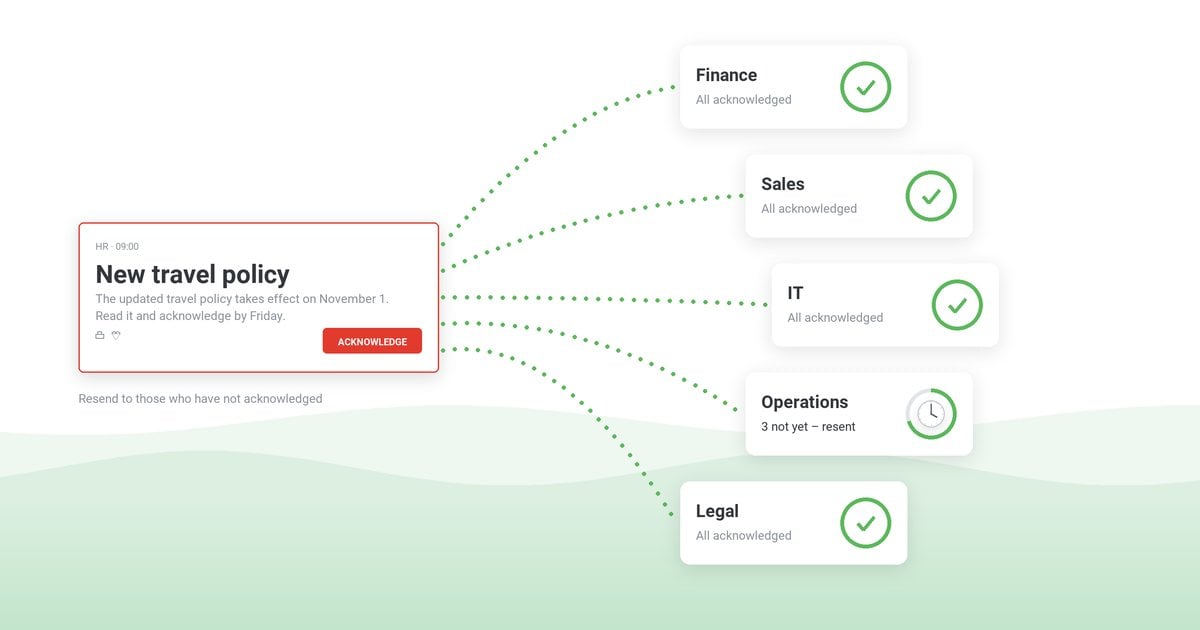
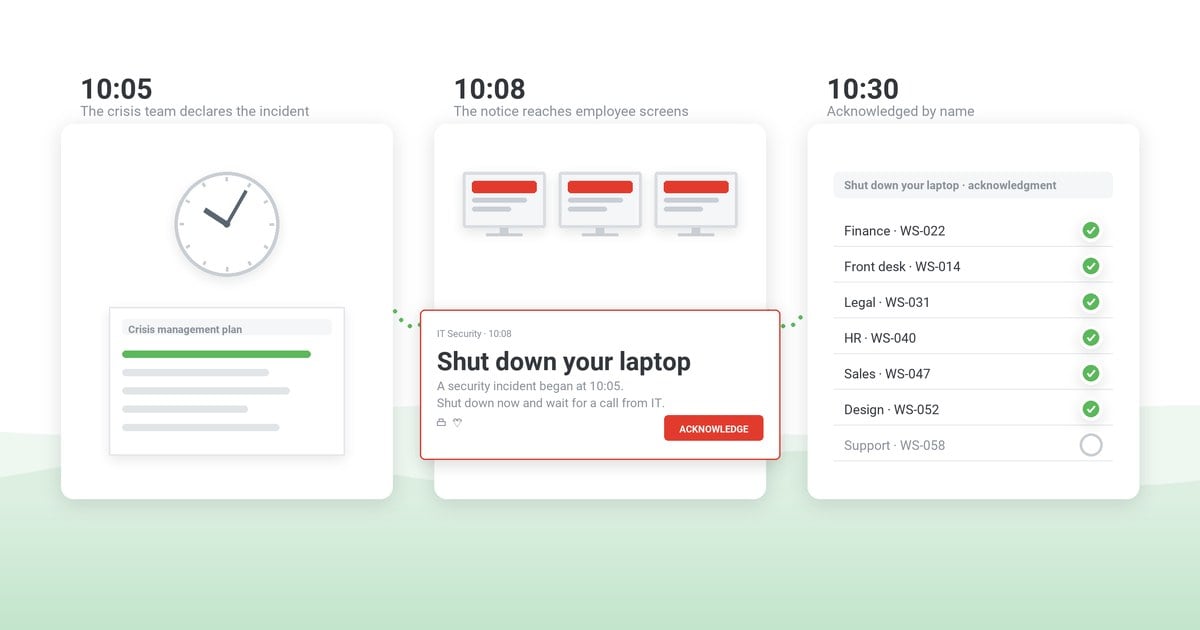
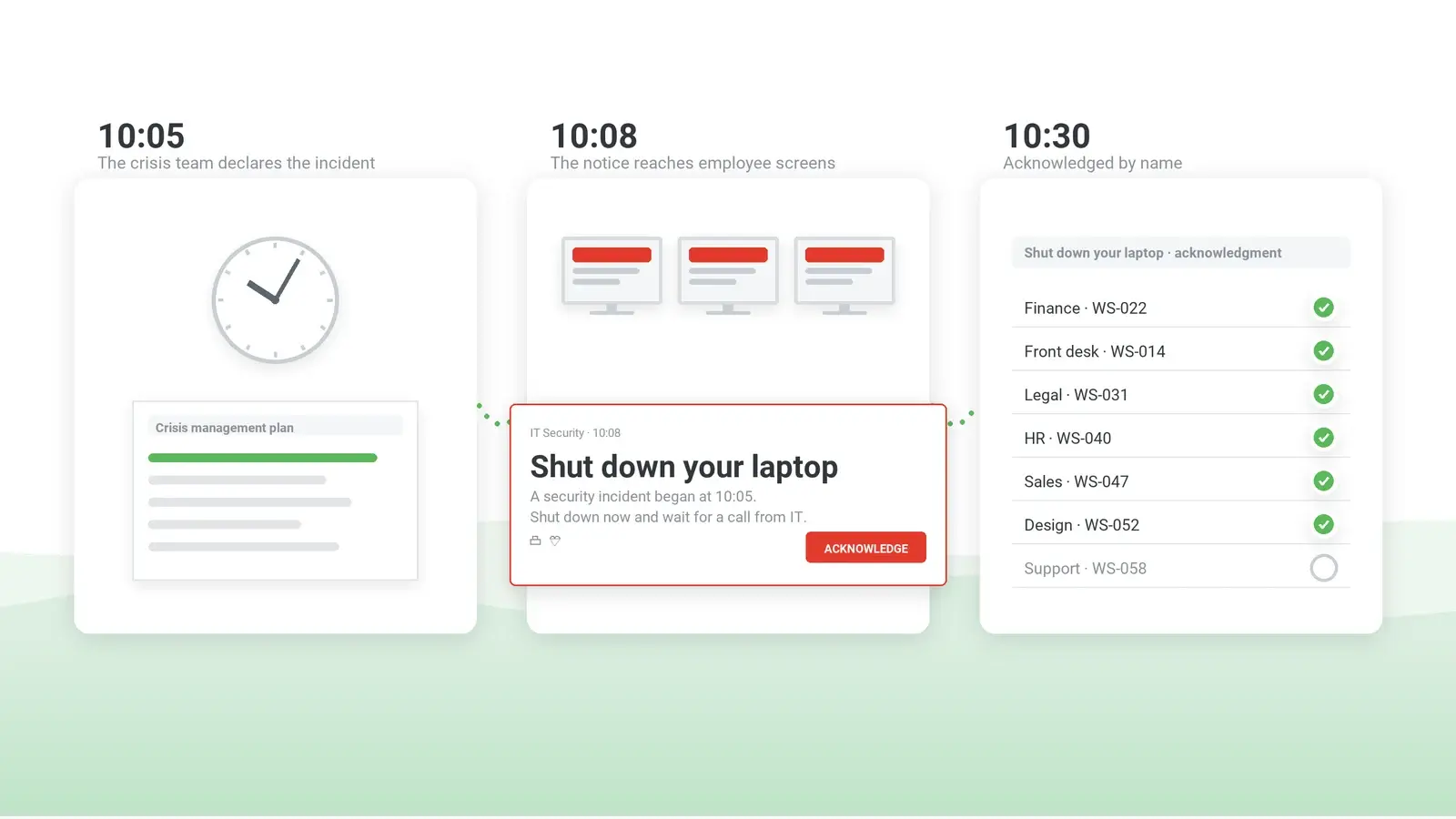
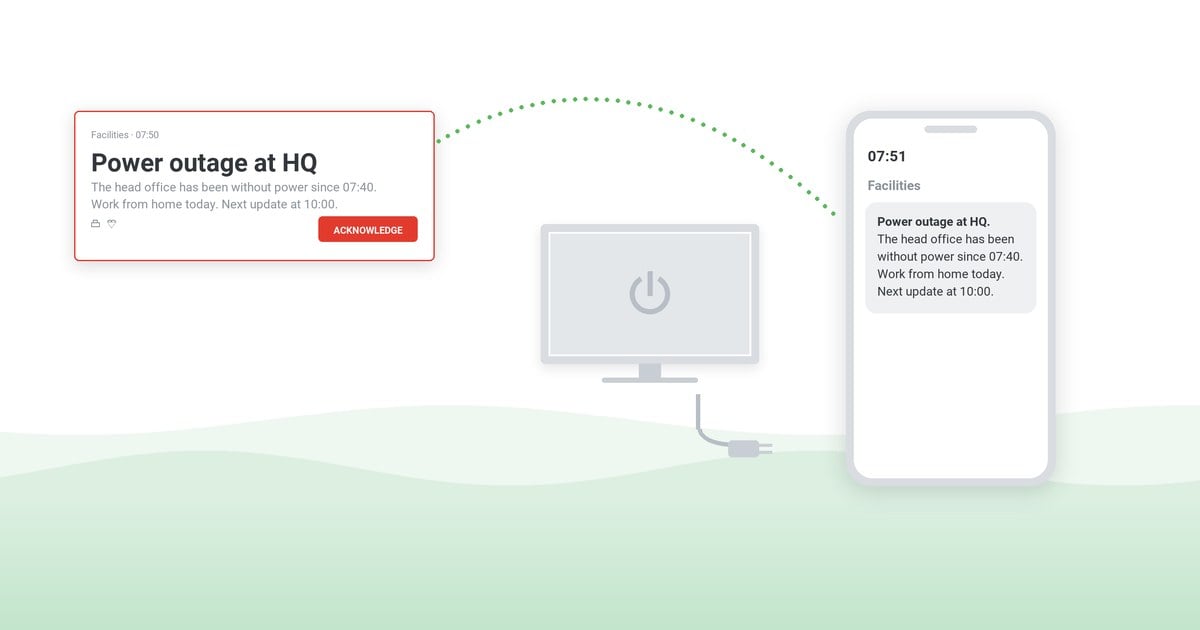
This is what DeskAlerts emergency notification software is built for. Alerts travel from the DeskAlerts server to an agent on each computer over the agent's own connection, not over email or chat, and appear as a pop-up on Windows 11 and on macOS 12.6.1 or later. Employees away from a computer get them in the mobile app on Android and iOS, by SMS through a configured gateway, by email, in Microsoft Teams or on digital signage screens. On the desktop, a high-priority alert can be sent full-screen, on top of other windows, and with acknowledgment enabled it closes only on the Acknowledge button. The statistics for each alert show who received it, who did not and who acknowledged it, and the alert can be resent to those who have not. Audiences come from Active Directory, across multiple domains, and from Microsoft Entra ID, so the crisis lead addresses "the finance department" with the groups and organizational units IT already maintains, and a building or site by its IP range.
For the sequence of messages in an IT incident, see the incident communication runbook; for the document that names the senders and the audiences, the crisis communication plan template.
See one alert reach desktops, phones and Microsoft Teams and return acknowledgments by name
A 30-minute demo: the full-screen alert that stays until acknowledged, audiences from Active Directory, and the per-recipient report your after action review needs.
Frequently asked questions
What is crisis management?
Crisis management is the organized way a company prepares for, responds to and recovers from an event that threatens its people, operations or reputation. It rests on a named team, a plan that assigns decisions in advance, a fixed cadence of communication and a review afterwards. Incident management, business continuity and emergency management each cover one part of it.
What is the difference between crisis management and business continuity?
Business continuity keeps the essential work going while systems or sites are unavailable: the workarounds, the recovery order, the alternative site. Crisis management decides and communicates while the event unfolds: who declares it, what people are told, when it is over. A ransomware attack needs both – continuity keeps invoicing going on paper, crisis management tells staff what is happening.
Who is on a crisis management team?
A crisis management team has an executive sponsor who declares the crisis, a crisis lead who runs the team, a communications lead, IT and security, HR, facilities and safety, legal, and a scribe who keeps the timeline. Each role owns one kind of decision and has a named deputy. Smaller organizations combine roles but keep the deputies and the scribe.
Why do internal communication tools fail during critical incidents?
Internal communication tools fail during critical incidents because breakdown is the normal pattern in major incidents, decision-makers get incomplete information and defer, and ordinary notifications give only passive awareness. In an IT or cyber incident, email, chat and the intranet may also be down or untrusted. The remedy is a channel independent of email and chat that records acknowledgment.
How should a company communicate with employees during a crisis?
A company should communicate with employees during a crisis in one voice, through named senders. Each message gives facts first, then what to do, and the time of the next update, kept on a fixed cadence. Critical messages need a channel independent of email and chat, acknowledgment from the people who must act, and a clear all-clear when the event ends.
How do you test a crisis communication plan?
A crisis communication plan is tested with a tabletop exercise: a 60- to 90-minute discussion of one scenario in which the people who would handle the event make their real decisions, including a communication inject that takes email and chat away. The output is a list of corrective actions with owners and dates, then a live drill to measure them.


 Steve Wilson: Oct 23, 2026, 9:00:00 AM