A cybersecurity tabletop exercise is a discussion-based walkthrough of a simulated cyber incident – no systems touched, just your team, a scenario, and hard questions. This guide gives you six ready scenarios with escalation injects, a copy-paste template, and the one element most exercises skip: the communication inject.
Table of contents
1. What is a cybersecurity tabletop exercise?
2. Why run one
3. How to run it: the six steps
4. Six scenarios with communication injects
5. The template (copy and adapt)
6. The communication layer: the inject most exercises skip
7. After the exercise
8. The bottom line
9. Frequently asked questions
What is a cybersecurity tabletop exercise?
A cybersecurity tabletop exercise is a facilitated discussion in which your team walks through a simulated incident – ransomware, phishing, a data breach – step by step, deciding what they would do at each turn. Nothing is executed on real systems: it is a conversation with consequences on paper, which is exactly why it is cheap to run and safe to fail. NIST defines the format in its glossary; in practice it is the security-specific member of the tabletop exercise family.
It differs from a penetration test (which attacks real systems), from a phishing simulation (which tests individual behavior), and from physical drills (which move real people). A tabletop tests the thing the other formats cannot: whether your people, roles, and decisions hold together under an unfolding scenario.
Why run one
Three honest reasons, in descending order of value:
- It finds plan gaps at discussion prices. A missing decision-owner, an unreachable contact, an assumption that “IT will just handle it” – these surface in ninety minutes of talking instead of ninety minutes of a real outage.
- Insurers and auditors ask for exercise evidence. Cyber-insurance questionnaires and security audits increasingly ask when you last exercised your incident response plan and what changed as a result. A documented tabletop with corrective actions is the answer they expect.
- It builds the muscle memory of authority. The worst time to discover who may approve a company-wide alert or a system shutdown is during the incident. The tabletop settles it in advance.
How to run it: the six steps
- Set one objective and the scope. “Test our ransomware response end to end” is a scenario, not an objective. “Confirm we can decide, notify, and act within the first hour” is an objective. One per exercise.
- Pick the scenario and write the injects. An inject is a new fact dropped into the discussion at a set moment (“the backup console is now unreachable”). Three to five injects per scenario; at least one communication inject (see below).
- Assign roles. A facilitator who runs the clock and drops injects, a scribe who records every decision and open question verbatim, and players – IT/security plus the people a real incident would pull in: communications, HR, legal, an executive.
- Run the discussion. Sixty to ninety minutes. The facilitator pushes on specifics: not “we would notify employees” but who sends it, on what channel, with what wording, and how you know it arrived.
- Hold the hot wash the same day. A short debrief while memory is fresh: what worked, what stalled, what surprised. The scribe’s notes feed it.
- Write the after action report – with owners and dates. The exercise only changes anything if findings become corrective actions someone owns. Use our after action report guide and template – it exists for exactly this step.
Six scenarios with communication injects

Use one scenario per exercise. Every scenario below carries a communication inject, because the defining feature of a real cyber incident is that the channels you would normally use to coordinate – email, chat, ticketing – may be unavailable or untrusted mid-event.
1. Ransomware on the file servers
Friday, 07:40. A department reports files renamed with an unfamiliar extension; a ransom note names your company. Within twenty minutes two more departments report the same.
Injects:
- The backup console is unreachable – nobody can say yet whether backups are intact.
- The note claims HR records were exfiltrated before encryption.
- A manager asks in the corridor whether staff should keep working or go home.
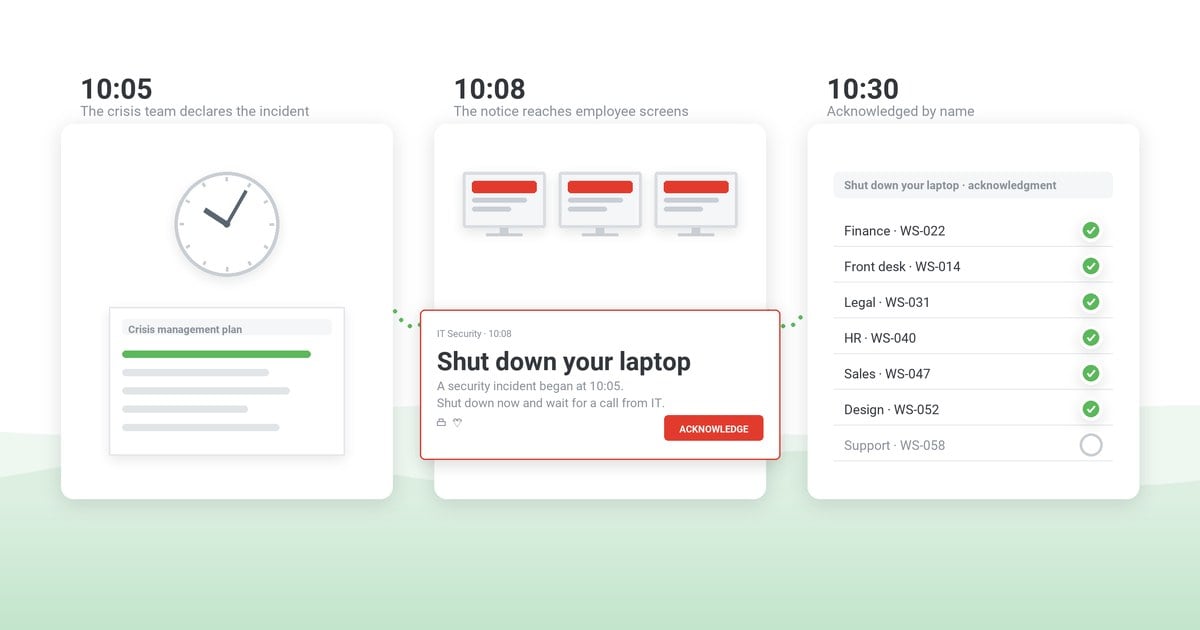
Communication inject: Email and Teams are assumed compromised. How do you tell every employee, on every site and shift, what to do in the next fifteen minutes – and how do you know who has seen it?
Discussion questions: Who declares the incident? Who is authorized to send a company-wide instruction, and what does it say when attribution is unconfirmed? What is your detection-to-notification target?
Expected decisions: declare the incident and severity · alert all staff out-of-band · isolate affected servers · confirm backup status · set the update cadence
2. Phishing that worked (business email compromise)
Finance receives a convincing vendor bank-detail change from a spoofed executive thread. Payment is queued. An hour later the security team confirms the executive mailbox is compromised.
Injects:
- Mail filtering finds the same lure delivered to about forty employees.
- Two employees report entering credentials on the linked page.
- The compromised mailbox has been auto-forwarding for nine days.
Communication inject: You need to warn all staff about the active lure – but the lure lives in email, the channel you would use. What is the out-of-band route, and what does the warning say without teaching the attack?
Discussion questions: Who freezes the payment and how fast? Which credentials get reset first? At what point do you notify the spoofed vendor?
Expected decisions: freeze the queued payment · reset exposed credentials first · warn all staff off-email · notify the spoofed vendor
3. Data breach with a disclosure clock
A researcher emails proof of access to a customer database export. Security confirms the export left your infrastructure eleven days ago.
Injects:
- Legal states notification obligations depend on jurisdictions – an assessment will take days you may not have.
- A journalist emails the press office asking for comment.
- A customer asks their account manager directly whether the rumor is true.
Communication inject: Employees will read about this online before the official statement. What internal holding message goes to all staff so they neither speculate publicly nor improvise answers – and who approves it?
Discussion questions: Who owns the disclosure decision? What is the exact escalation path from account manager to incident lead? What may customer-facing teams say today?
Expected decisions: engage counsel and start the clock · issue the internal holding note · brief customer-facing teams · set the escalation path
4. Insider access abuse
An administrator who resigned last week downloaded three internal repositories to a personal device on their final day. Offboarding missed a service account they created.
Injects:
- The service account authenticated from a residential IP this morning.
- The repositories contain deployment credentials that were never rotated.
- Their former manager insists it is “probably nothing”.
Communication inject: This one inverts the usual rule: the alert must NOT go to everyone. Who is on the need-to-know list, how do you notify exactly that audience and nobody else, and how do you prevent corridor speculation?
Discussion questions: Who can disable the account and rotate credentials, and in what order? When does HR/legal join? What triggers widening the circle?
Expected decisions: disable the account, rotate credentials · keep the circle need-to-know · bring in HR and legal · preserve the evidence trail
5. Vendor and supply-chain compromise
Your monitoring flags anomalous behavior from the update mechanism of a widely deployed third-party tool. The vendor’s status page says nothing.
Injects:
- A security researcher publishes a proof-of-concept naming the vendor.
- The vendor’s advisory arrives six hours later and asks customers to disable the update service.
- Half your fleet already pulled today’s update.
Communication inject: Instruct every employee to pause a specific routine action (accepting the tool’s update prompt) – a precise behavioral instruction to all staff, fast, with acknowledgment so you know coverage.
Discussion questions: Who owns the vendor relationship during an incident? What is your inventory answer to “where is this tool installed”? When do you act ahead of the vendor’s guidance?
Expected decisions: pause the update service fleet-wide · instruct employees on the one action · open a channel with the vendor · inventory the exposure
6. Security containment takes systems down
To contain suspicious lateral movement, security takes single sign-on offline. Containment works – and now nobody can log in to anything, and the helpdesk queue explodes.
Injects:
- The ticketing system itself is behind SSO.
- Two hundred field employees start their shift in ninety minutes.
- Executives ask why “the security fix” is worse than the incident.
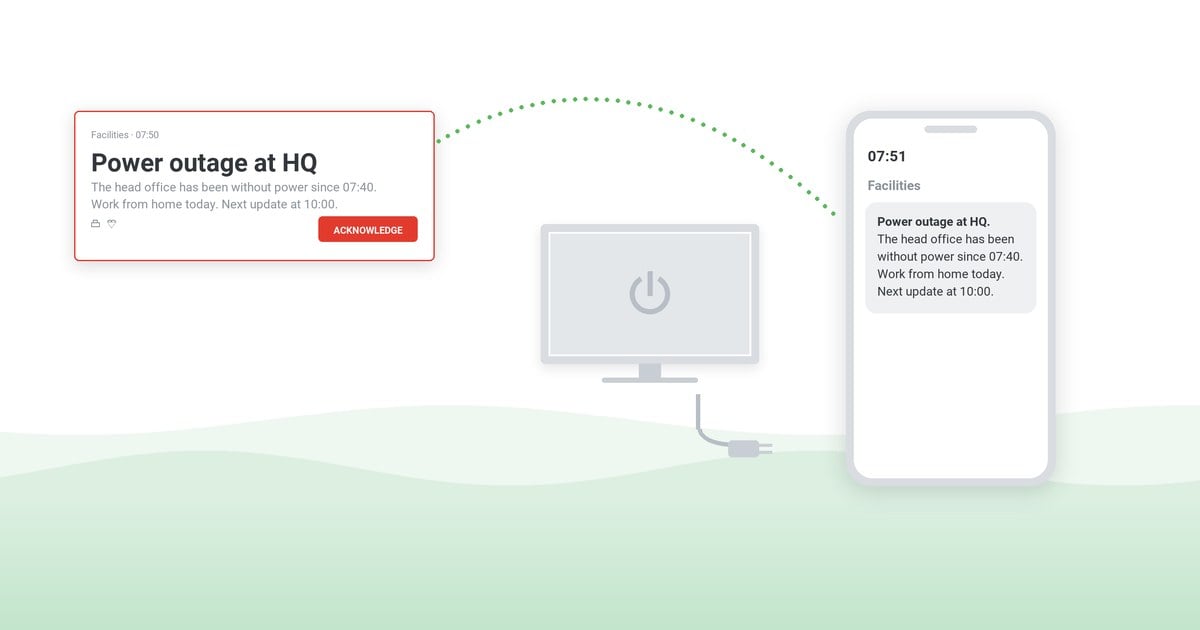
Communication inject: A pre-emptive outage notice with the workaround and a stated next-update time, sent before the login failures start – to screens and phones, because email is behind the same SSO.
Discussion questions: Does security have authority to take core systems down without business sign-off? What is the fallback access path? Who communicates the trade-off to executives?
Expected decisions: send the pre-emptive outage notice · publish the fallback access path · arm the helpdesk with a script · brief executives on the trade-off
The template (copy and adapt)
Everything the exercise needs on one page. Copy it into your working document and fill the brackets.
Cybersecurity tabletop exercise template
1. Header
Exercise name · date · facilitator · scribe · participants and roles · scenario · single objective · scope (systems/sites in play)
2. Agenda
10 min briefing and ground rules · 60–90 min scenario discussion with injects · 15 min hot wash · report owner named before the room empties
3. Inject schedule
| Time | Inject | Expected decision | Actual response (scribe) |
|---|
| T+0 | [opening situation] | [declare / assess] | |
| T+20 | [escalation] | [contain / escalate] | |
| T+40 | [communication inject] | [notify + verify coverage] | |
4. Evaluation
Objective met? · time to first employee notification · acknowledgment coverage · top three findings · corrective actions (action / owner / due date)
The corrective-actions table then moves into the after action report.
Run your next tabletop exercise with the Tabletop Exercise Pack
A facilitator guide, six cybersecurity scenarios, and the templates to run, score, and report on a tabletop exercise – in one editable file.
Get the pack
The communication layer: the inject most exercises skip
Scenario lists are everywhere; the communication inject is what makes the exercise honest. In a real incident the coordination channels are part of the attack surface: email may be compromised, chat may be behind the SSO you just took down, and the phone tree dies on the second unanswered call. If your tabletop never removes those channels from play, it is rehearsing a luxury you will not have.
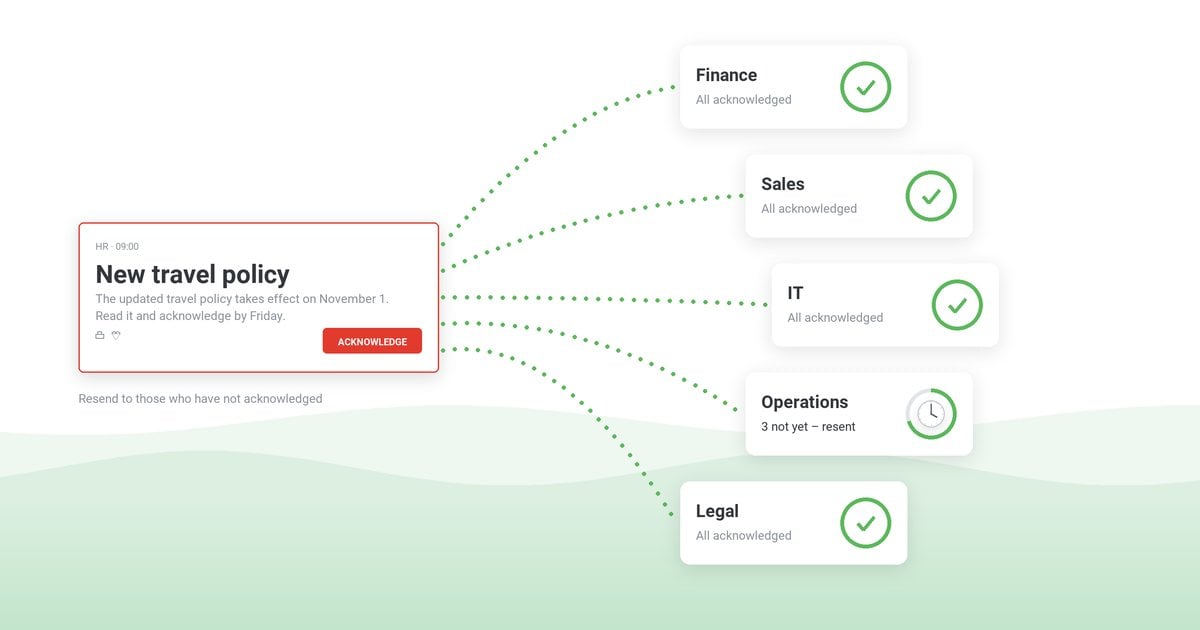
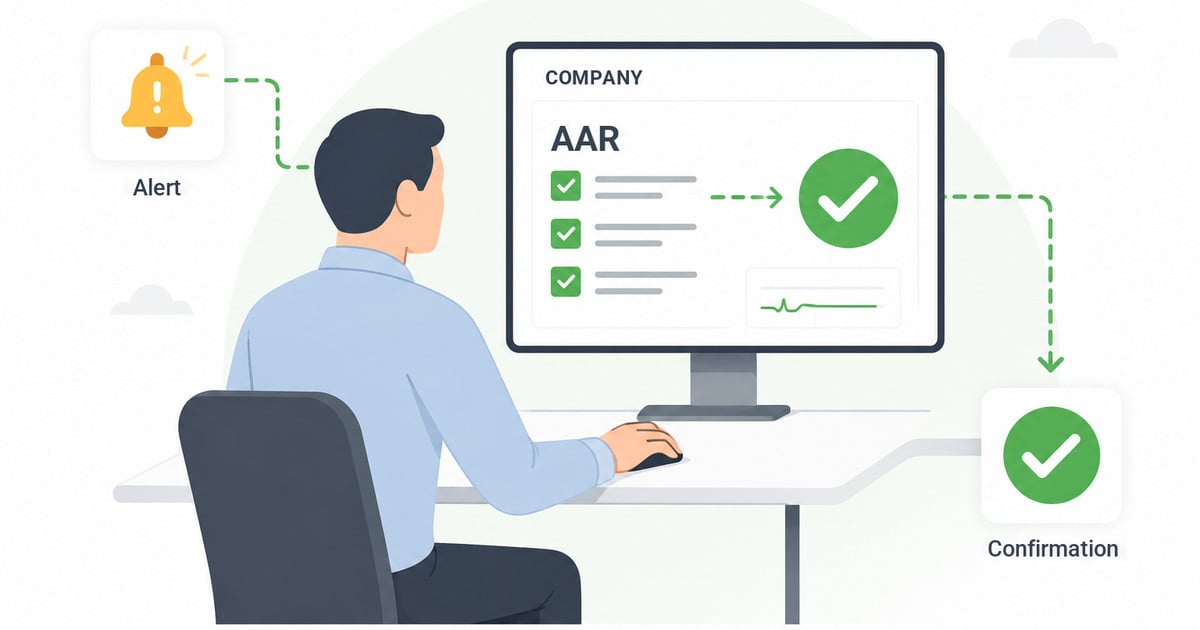
Give the communication inject its own measurable objectives: time from decision to first employee notification, and acknowledgment coverage – who confirmed seeing the instruction. This is where an out-of-band channel earns its place: emergency notification software that puts the instruction on employee screens and mobile devices independently of email, with delivery and acknowledgment logged, turns the inject from an awkward silence into a tested capability. Our guide to notifying employees during a cyberattack covers the wording and authority model in depth.
Case study
Healthcare: critical IT and cybersecurity alerts
A healthcare organization delivers critical IT and cybersecurity alerts to staff screens independently of email – the out-of-band channel a communication inject assumes, running in production.
Read the healthcare case study ›
After the exercise
The exercise produces value twice: once in the room, once on paper. Same-day hot wash while impressions are fresh; then the after action report with the four classic questions – what was expected, what happened, why the difference, what to sustain or improve – and a corrective-actions table where every finding has an owner and a due date. Retest the specific findings in the next exercise: a finding that survives two exercises unchanged is not a finding, it is a decision to accept the risk.
For the full method – hot wash facilitation, report structure, and a copy-paste report template – see the after action report guide.
The bottom line
A cybersecurity tabletop exercise is the cheapest way to find out whether your incident response is a plan or a document. Pick one scenario, write three injects and one communication inject, put the decision-makers in a room for ninety minutes, and leave with a corrective-actions table someone owns. The scenarios above are enough to run your first one this month – and the communication inject will tell you more about your readiness than the other three combined. If your tabletop assumes email always works, you have rehearsed the wrong incident.
Give the communication inject a real answer
DeskAlerts delivers incident instructions to employee screens and mobile devices independently of email – with delivery and acknowledgment logged, so “how do you notify everyone and know they saw it” has a tested answer before the real incident asks.
Frequently asked questions
What is a cybersecurity tabletop exercise?
A facilitated, discussion-based walkthrough of a simulated cyber incident. Participants talk through detection, decisions, communication, and recovery step by step while a facilitator introduces new developments (injects). No real systems are touched.
How is a tabletop exercise different from a penetration test?
A penetration test attacks your real systems to find technical vulnerabilities. A tabletop exercise tests your people and decisions in conversation: who declares the incident, who authorizes actions, how employees get told. They answer different questions and do not replace each other.
How often should we run a cybersecurity tabletop exercise?
At least annually, plus after any major change – new leadership, new critical systems, a reorganization, or a real incident. Many organizations run one full exercise a year and one or two shorter scenario discussions in between; cyber-insurance questionnaires increasingly ask for the date of the last one.
Who should participate in a tabletop exercise?
The people a real incident would pull in: IT and security, internal communications, HR, legal, and at least one executive with decision authority. It is discussion-based, so no technical setup is needed – the scarce resource is the decision-makers in one room.
How long does a tabletop exercise take?
Sixty to ninety minutes of scenario discussion, plus a ten-minute briefing before and a fifteen-minute hot wash after. Half a day covers preparation for the facilitator; participants only spend the session itself.
What is an inject in a tabletop exercise?
A new piece of information the facilitator introduces at a planned moment to escalate the scenario – “the backup console is unreachable,” “a journalist is asking for comment.” Injects force decisions under changing conditions instead of a static case study.
What is a communication inject?
An inject that removes or compromises the channels you would normally coordinate on – email, chat, ticketing – and asks how you reach every employee anyway, and how you verify who saw the instruction. It rehearses the part of an incident most plans assume away.
What scenario should we start with?
Ransomware. It is the scenario your executives already imagine, it exercises the widest set of decisions – containment, backups, disclosure, employee communication – and its lessons transfer to the other scenarios.


 Steve Wilson: Oct 23, 2026, 9:00:00 AM