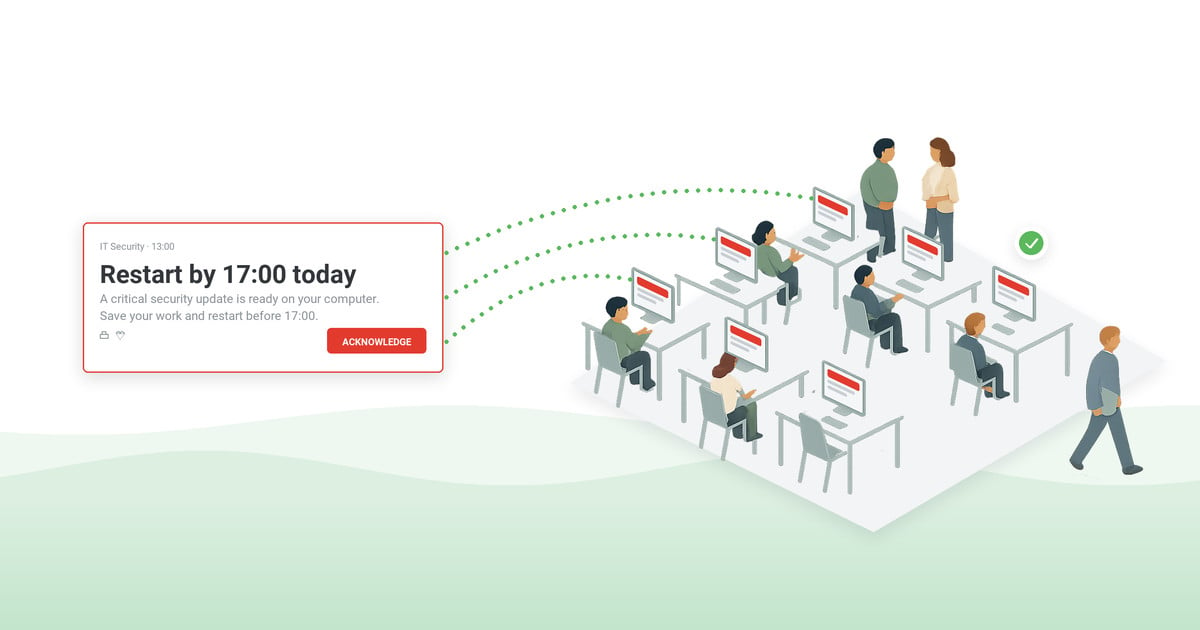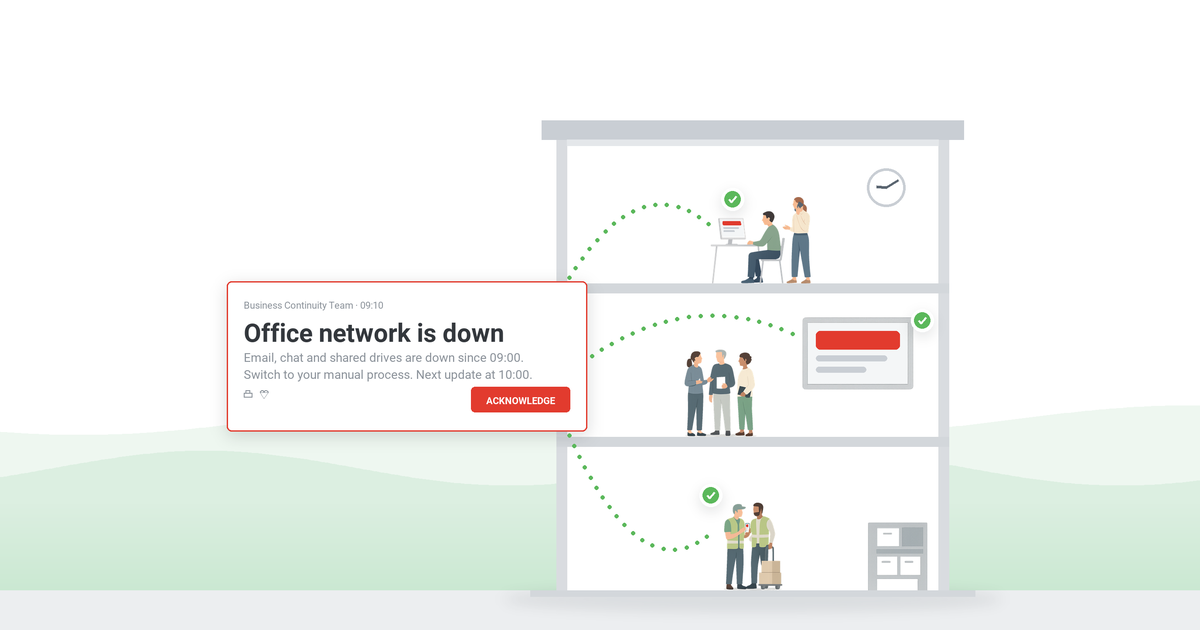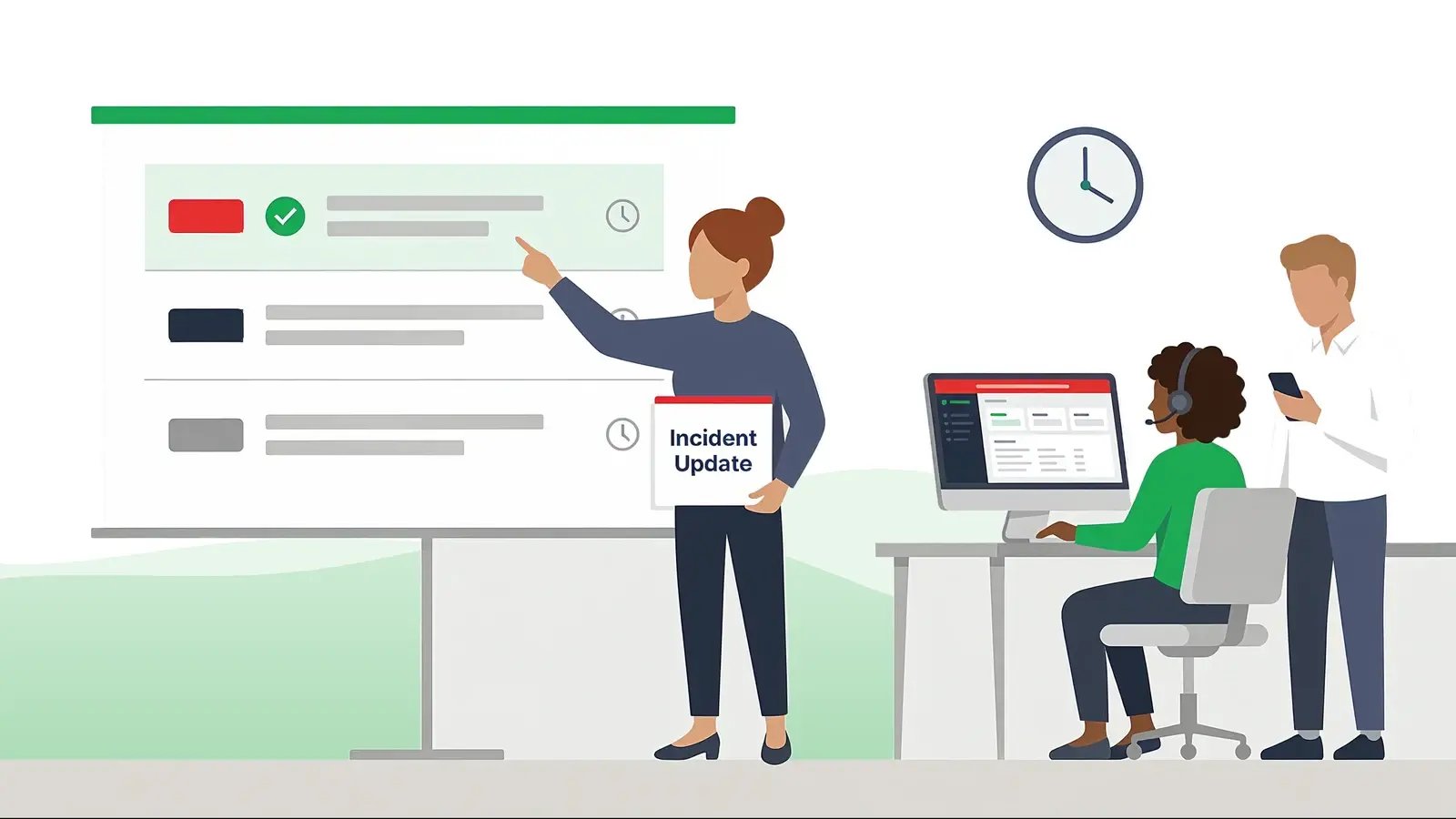
An incident communication runbook settles, before anything breaks, who says what, to whom, on which channel, and how often during an IT or service incident. When a system goes down, two clocks start: the one measuring the outage, and the one measuring how long people wait to hear about it – the runbook stops the second clock from running unattended, so the incident team can work the problem instead of drafting prose. This guide gives you the building blocks, a copy-paste runbook template, and pre-written messages for every phase of an incident.
Table of contents
1. What is an incident communication runbook?
2. Why improvisation fails during incidents
3. The six building blocks
4. Incident communication runbook template
5. Message templates by incident phase
6. Running the runbook before an incident does
7. Mistakes that break incident communication
8. Frequently asked questions
What is an incident communication runbook?
An incident communication runbook – the operational form of an incident communication plan – is the pre-written procedure for information flow during IT and service incidents: who owns communication, which severity levels trigger which messages, what the first notice says, where updates appear, and how the all-clear is announced. It is the communication chapter of your incident response – narrow on purpose. Diagnosis and recovery belong to the engineering runbook; this one owns a single outcome: nobody affected is left guessing.
It is the workplace sibling of the emergency communication plan: that plan covers life-safety events, this runbook covers service and IT incidents – outages, degradations, security events, maintenance overruns.
The split: the engineering runbook fixes the technical response; the communication runbook fixes the silence around it.
Why improvisation fails during incidents
Without a runbook, incident communication is written by whoever is least busy, in the tone of whoever is most stressed. The predictable results:
- The helpdesk absorbs the outage. Every employee who notices the problem before hearing about it becomes a ticket or a call – on exactly the day the IT team has no time for either.
- Updates stop when work starts. Engineers focus on the fix; the silence reads as abandonment, and speculation fills it.
- Every incident invents new wording. Improvised wording arrives long, apologetic, and late.
- Nobody owns the ending. Service is restored, but half the company finds out by accident an hour later.
A runbook converts each of these into a decision made once, in calm conditions, and reused forever.
The six building blocks
Runbooks differ in format; the working ones carry these six pieces.
- 1. Severity levels with triggers. Three or four levels are enough – from “single service degraded” to “company-wide outage” – each with an objective trigger and a required first-notice deadline (for example: Sev1 = first message within 10 minutes of declaration).
- 2. A named communication lead. One person per incident owns messaging – with a named backup. The engineer fixing the issue is never the person writing the updates.
- 3. Audiences in rings. The service desk first – it takes the calls – then affected users, then responders and stakeholders, then everyone whose work depends on the service. Targeting by department, location, and role keeps everyone else's day intact.
- 4. Channels ranked per severity. High-severity messages take interrupting channels – desktop pop-ups, mobile push; low-severity updates take ambient ones – tickers, status notes. Email is the archive, never the alarm.
- 5. Message templates per phase. First notice, progress update, resolution, and post-incident summary – pre-written, pre-approved, with blanks for the facts (see section 5).
- 6. Update cadence and the record. A promised interval per severity (“next update in 30 minutes – even if nothing changed”), plus delivery and acknowledgment tracking so the review afterward runs on data, not memory.
Two edge rules worth writing into the runbook: security incidents run the same skeleton with one extra gate – what may be said, and to whom, is cleared with the security lead before it goes out. Over-sharing mid-incident is an incident of its own; the current federal guidance for that side is NIST SP 800-61r3. Customer-facing status pages are a separate lane with their own owner – this runbook covers the internal side, the people who run and depend on the service.
Incident communication runbook template
Copy the skeleton and fill one page per severity level. If a page does not fit on one screen, it will not be followed at 2 a.m.
Runbook skeleton – per severity level
- Severity: [level and trigger – e.g., Sev1: a service used by 100+ people fully unavailable]
- Communication lead: [role] · backup: [role] · first notice due: [minutes from declaration]
- Audiences in order: [service desk] → [affected users] → [responders and stakeholders] → [dependent teams] → [company]
- Channels: first notice [desktop pop-up + mobile push] · updates [ticker / status note] · archive [email]
- Templates: first notice [ID] · update [ID] · resolution [ID] · post-incident [ID]
- Cadence: updates every [interval] · record: delivery and acknowledgment log in [system]
Message templates by incident phase
Four phases, four templates – each answers a different question the reader is silently asking.
- First notice – “we know”. What is affected, what to do meanwhile, when the next update comes. One plain sentence each. No causes, no apologies yet.
- Progress update – “we're on it”. What changed since the last message, revised expectations, same cadence promise. Send it on schedule even when the honest content is “no change yet”.
- Resolution – “it's over”. Service restored, any follow-up actions users must take, where to report residual issues. Owned as firmly as the first notice – otherwise people learn the service is back by rumor, and the tickets keep coming.
- Post-incident summary – “here's what we learned”. A short plain-language recap for everyone affected; the technical detail lives in the review document.
Copy-paste messages – one per phase
- First notice: “[Service] is unavailable for [who is affected] since [HH:MM]. What to do meanwhile: [workaround]. Next update at [HH:MM].”
- Progress update: “[Service] update at [HH:MM]: [what changed since the last message]. Current expectation: [restored by HH:MM / still investigating]. Next update at [HH:MM].”
- Resolution: “[Service] is back to normal as of [HH:MM]. [Action users must take, if any.] If you still see problems, [how to report].”
- Post-incident summary: “On [date], [service] was unavailable for [duration], affecting [who]. Cause: [one plain sentence]. What we are changing: [one or two items]. Full review: [owner or link].”
Ready-to-adapt wording for the outage family is in our IT outage message templates, and the delivery side is covered on our IT outage notification page. Load them into your alerting tool once, and the 2 a.m. send becomes selection, not composition.
Your runbook, wired to every screen
DeskAlerts carries the runbook into practice: pre-loaded templates, targeted sends, pop-ups and mobile push for first notices, tickers for updates – with a per-person record of who received and acknowledged each message.
Running the runbook before an incident does
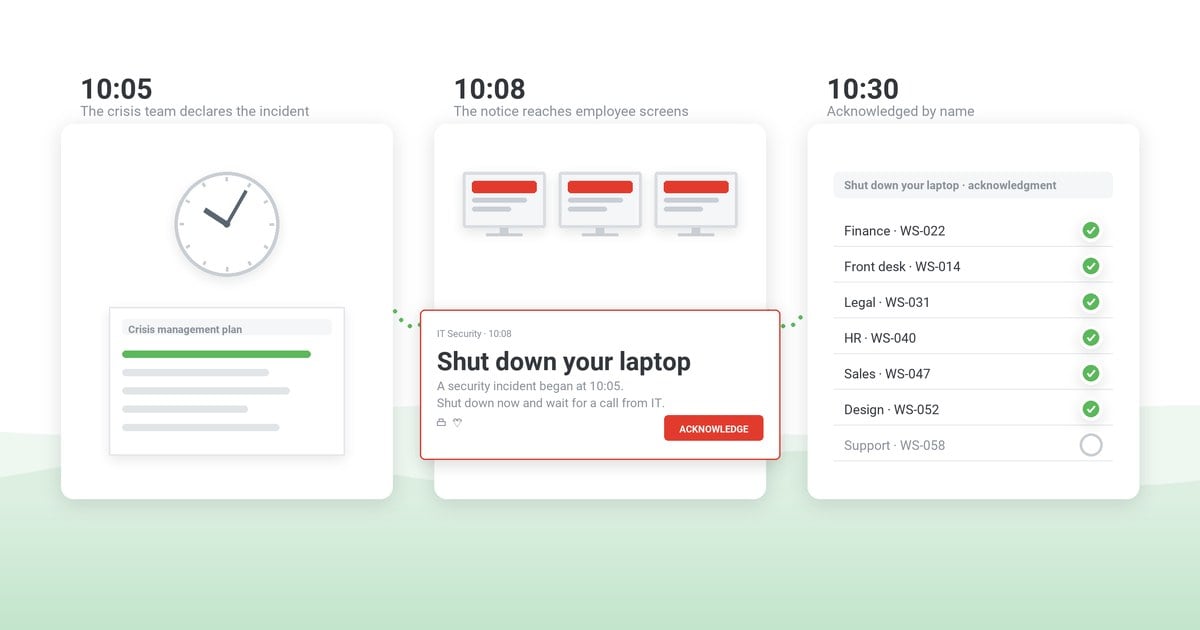
The first real incident should not be the first run. Start with the one rehearsal this runbook gets for free: the next planned maintenance window – same templates, same channels, zero pressure. Then walk the decision-makers through a scenario in a tabletop exercise, and put the full notification path in motion with a workplace drill. Close every rehearsal – and every real incident – with an after action report: if your alerting layer logs delivery and acknowledgment, the communication section is already in the logs.
Mistakes that break incident communication
- The fixer writes the updates. Every message costs recovery time, so messages stop. Separate the roles.
- Email as the first notice. The channel most likely to be affected – and least likely to be read in time – carries the most urgent message.
- Updates only when news is good. A quiet hour reads as a stalled fix. Cadence is a promise; keep it.
- One blast for every audience. Executives, affected users, and dependent teams need different facts; one message for all serves none.
- No record. Without delivery and acknowledgment logs, the post-incident review argues about who knew what instead of fixing the process.
Frequently asked questions
What is the difference between an incident response plan and an incident communication runbook?
Engineers run the response plan – detection, escalation, diagnosis, recovery. The communication lead runs this runbook: it scripts what everyone else hears while that work happens, and how delivery is confirmed. The two reference each other but live on different desks.
Who should own incident communication?
A named communication lead per incident – often a service desk manager, IT communications specialist, or duty manager – with a named backup. The only wrong answer is “whoever is fixing the problem”: that person's attention is the scarcest resource in the room.
How fast should the first notice go out?
Set a deadline per severity and treat it as binding – many teams use 10–15 minutes from declaration for a major incident. The first notice does not need causes or estimates; “we know, here's what to do meanwhile, next update at HH:MM” beats a perfect message sent an hour later.
Which channels work best for incident communication?
Interrupting channels for the first notice – desktop pop-ups over the active application, mobile push for people away from their desks. Ambient channels for the follow-through – scrolling tickers and status notes that stay visible without stopping work. Email serves as the archive and the long-form post-incident summary.
How often should updates go out during an incident?
Promise an interval in the first notice and keep it – every 30 minutes is a common default for major incidents, hourly for lower severities. An update that says “no change, still working, next update at HH:MM” keeps trust; silence spends it.
Is a runbook the same as an incident communication plan?
The terms overlap: an incident communication plan states the policy – audiences, approvals, commitments – while the runbook is its operational, page-per-severity form, built to be executed mid-incident. If you already keep a broader incident response communication plan in place, this runbook is the layer your on-call team actually follows.


 Steve Wilson: Oct 16, 2026, 9:00:00 AM