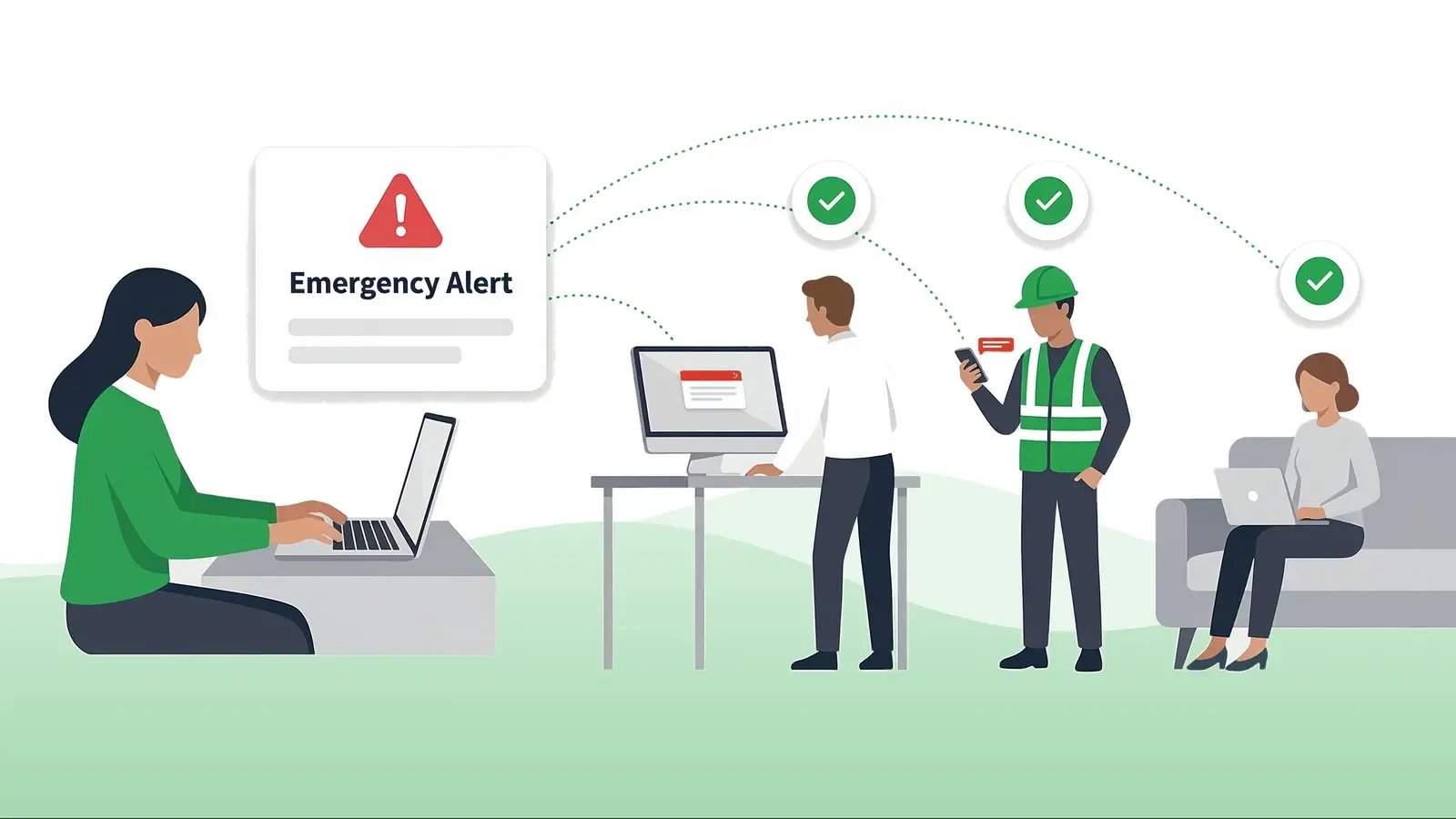
An emergency communication plan answers three questions before anything happens: who tells whom, through which channels, and how you will know the message arrived. This guide gives you the six components every working plan shares, a copy-paste template, and the part most plans postpone until it hurts – how to choose a delivery layer that can still reach people mid-incident.
Use it two ways: build your first plan section by section, or hold your existing plan against the checklist and patch the gaps.
Table of contents
1. What is an emergency communication plan?
2. The six components of a working plan
3. Emergency communication plan template
4. Message templates by scenario
5. How to choose the delivery layer
6. Testing the plan before reality does
7. The mistakes that break plans
8. Frequently asked questions
What is an emergency communication plan?
An emergency communication plan is the written part of your emergency response that covers information flow. It fixes who has authority to send alerts, which audiences must be reached in which scenarios, what the first message says, which channels carry it, and what record proves delivery. It is narrower than a full emergency action plan – and that is its strength. Evacuation routes and response procedures belong to the action plan; the communication plan owns a single job: the right people hear the right instruction fast, and you can prove it.
In short: the action plan says what people should do. The communication plan is how they hear it in time – and leaves a record that they did.
The U.S. regulatory floor here is concrete. OSHA requires an emergency action plan “whenever an OSHA standard in this part requires one” (Part 1910, general industry), in writing for employers with more than ten employees (29 CFR 1910.38) – and the same section requires an employee alarm system that uses “a distinctive signal for each purpose.” The alarm rules are specific: the signal must be “capable of being perceived above ambient noise or light levels by all employees in the affected portions of the workplace,” and tactile devices may be used for employees who cannot recognize an audible or visual alarm (29 CFR 1910.165). A communication plan that names channels, audiences, and proof of delivery is how those requirements become operational instead of laminated.
The six components of a working plan
Plans differ in format; the working ones share these six pieces.
- 1. Authority and backups. Named senders with the right to trigger each alert level – and named alternates for when the primary is unreachable. “The safety team” is not a name.
- 2. Scenario triggers. The events that activate the plan – fire, severe weather, violence threat, IT outage, utility failure – each mapped to an alert level and a first-message template.
- 3. Audiences. Who must know, in which order: affected site or floor, responders, management, everyone. Targeting by location, department, and role – not one blast for every event. The lists are only as good as the roster behind them: directory-synced targeting beats hand-maintained call sheets.
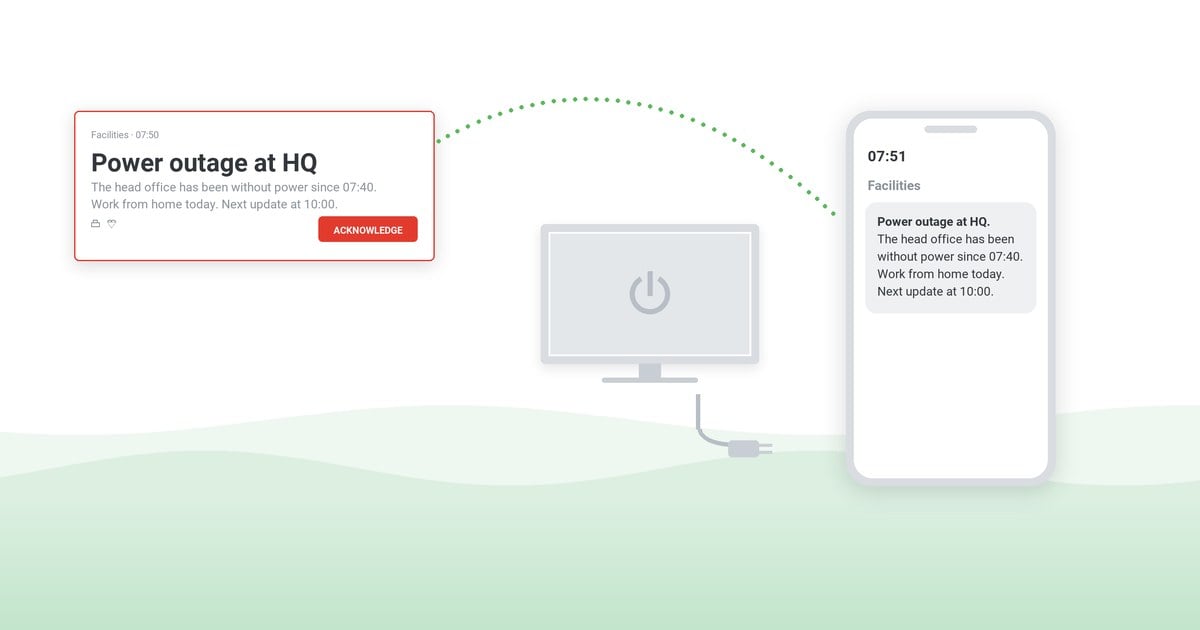
- 4. Channels, ranked. Primary and fallback for each audience – screens, mobile, signage, voice – chosen for the scenario. An email-only plan is a plan to be read after the incident. Visual channels also carry the alarm for noisy floors and for employees who cannot rely on audio.
- 5. Message templates. Pre-written, pre-approved first messages and all-clears for each scenario – written in calm weather, ready at hand in bad weather.
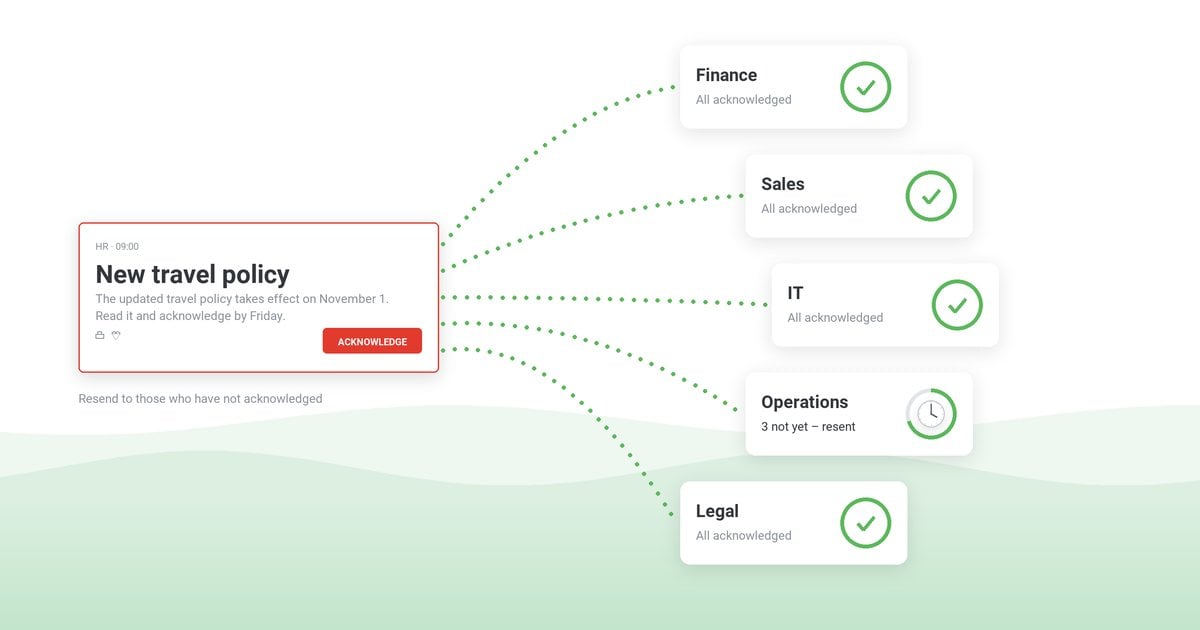
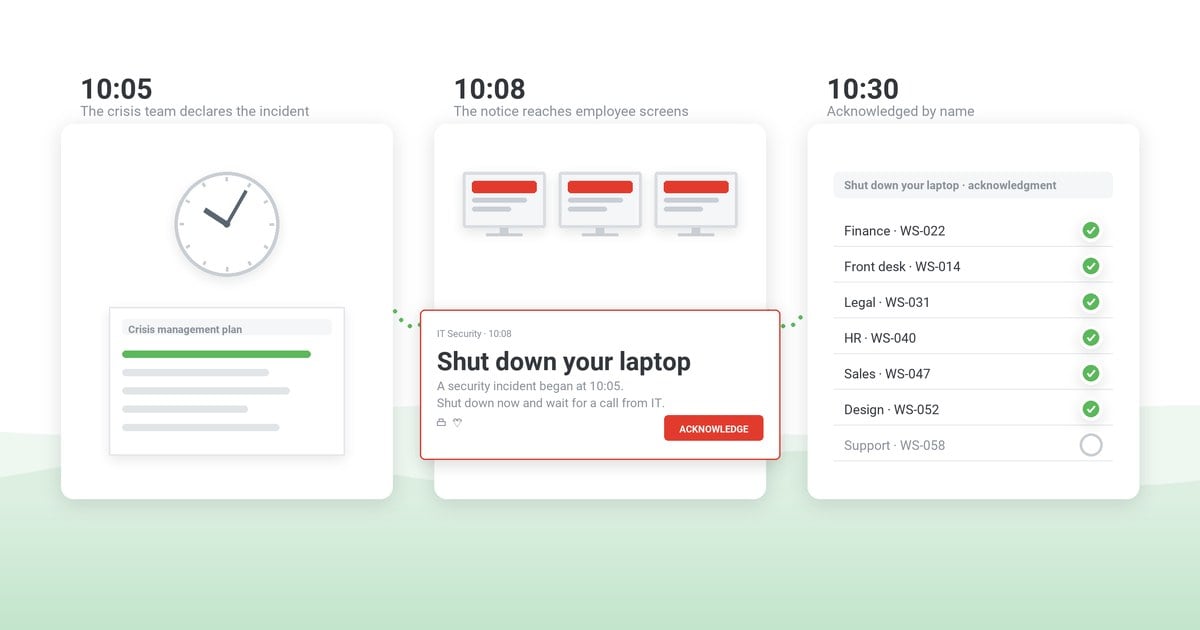
- 6. Confirmation and the record. How acknowledgment works, who watches the delivery numbers mid-incident, and where the log lives for the review afterward.
Emergency communication plan template
Copy the skeleton and fill the brackets. One page per scenario is enough – a plan nobody can hold in their head is a plan nobody follows.
Plan skeleton – per scenario
- Scenario: [event type and trigger threshold – e.g., severe-weather warning issued for the site’s county]
- Alert authority: [name, role] · backup: [name, role] · activation window: [minutes from trigger]
- Audiences in order: [affected group] → [responders] → [site] → [company]
- Channels: primary [desktop pop-up + mobile push] · fallback [signage / voice] · never-only [email]
- First message: [template ID] · updates every: [interval] · all-clear: [template ID]
- Confirmation: [acknowledgment required yes/no] · delivery watch: [name] · log location: [system]
Message templates by scenario
The first message is not prose – it is instruction: what happened, what to do now, where updates will appear. Four first messages and one all-clear follow as starting points: fill the brackets, have them approved in calm weather, and give each the template ID the skeleton points to.
Copy-paste first messages – one per scenario
- T1 Severe weather: “A [tornado / severe storm] warning is in effect for [site] until [HH:MM]. Move to [shelter area] now and stay away from windows. Next update on [channel] at [HH:MM].”
- T2 Fire / evacuation: “Fire alarm confirmed in [building / floor]. Leave now by the nearest stairway exit and gather at [assembly point]. Wait there for the all-clear on [channel].”
- T3 IT outage: “[System] is down for [who is affected] since [HH:MM]. Use [workaround] until further notice. Next update on [channel] at [HH:MM].”
- T4 Violence threat: “Security incident reported at [location]. Lock your door, stay inside, and stay away from windows until security or police tell you it is safe. Instructions will come on [channel] only.”
- T5 All-clear (any scenario): “The [event] at [site] is over as of [HH:MM]. You may return to [your workplace / normal work] now. Report anything unusual to [contact].”
More wording, longer form: the severe weather notices guide (with downloadable samples), our IT outage templates, and the heat-day protocols in the OSHA heat rule guide. Ten more are packaged as a downloadable set of emergency message templates. Write yours once, load them into your alerting system, and the emergency send becomes a two-step choice, not writing.
How to choose the delivery layer
The plan is paper until a system carries it. Judge candidates on five questions – the checklist that decides outcomes mid-incident:
- Does it interrupt? Emergencies need push channels that appear over whatever the employee is doing – desktop pop-ups, full-screen takeover, mobile push – not a message waiting politely in an inbox.
- Does it survive the incident? If the scenario takes down email or the network segment, what still delivers? On-premises deployment and multiple independent channels are the honest answers to look for.
- Can it target? Floor, building, department, role – precision keeps the unaffected working and the affected moving.
- Does it confirm? Acknowledgment tracking per person, live delivery numbers during the send, exportable logs after.
- Can anyone use it at 2 a.m.? Pre-loaded templates, two-click sending, no training refresher required mid-crisis.
Start the vendor comparison from criteria like these rather than feature lists – our side-by-side comparison lays out DeskAlerts against AlertMedia, SnapComms, Everbridge and others on exactly this axis, and the emergency notification software page shows how DeskAlerts handles interruption, targeting, and confirmation.
Your plan, live on desktops, phones, and signage
DeskAlerts carries emergency communication plans into practice: pop-ups over any application, mobile push, signage and more – with per-person delivery and acknowledgment records for the review that follows every incident.
Testing the plan before reality does
A plan that has never run is a hypothesis. Three levels of proof, cheapest first: a tabletop exercise walks decision-makers through the scenario around a table; a workplace drill puts the notification path and the people in motion; and the after action report turns whatever the test exposed into fixes with owners and deadlines. The communication section of that report is the easy one – if your delivery layer logs sends and acknowledgments, the evidence writes itself.
The mistakes that break plans
Five failures account for most plans that did not work when they were needed. Each traces back to one of the six components above.
- An email-only first message. It reaches the inbox, not the person – and gets read once the incident is over.
- Unnamed authority. When “someone from security” can send, nobody does – or two people send conflicting instructions.
- Writing the first message during the incident. Composition under adrenaline produces long, vague, late messages.
- No all-clear discipline. People drift back on hearsay if the plan does not close the incident as firmly as it opened it.
- No record. Without delivery and acknowledgment logs, the post-incident review runs on memory – and so does the next inspection.
Frequently asked questions
What is the difference between an emergency action plan and an emergency communication plan?
The action plan covers procedures – evacuation, shelter, response roles. The communication plan covers information flow: who sends what to whom, through which channels, with what confirmation. The communication plan is a section of, or companion to, the action plan, and it is the part you can test cheaply and measure precisely. For slower events measured in hours and days, with customers and media among the audiences, the crisis communication plan template is the companion document.
What should the first emergency message contain?
Three things, in order: what happened (one plain sentence), what to do right now (the single instruction), and where updates will appear. Everything else – causes, reassurance, detail – belongs to the updates, not the first message.
Which channels should an emergency communication plan use?
At least two independent push channels per audience – for example desktop pop-ups plus mobile push, backed by signage or voice for areas without screens. Email can carry the detailed follow-up; it should never be the only path for the first message.
How often should the plan be tested?
A workable annual pattern: one tabletop exercise for decisions and messaging, one drill that exercises the notification path with real people, and a short unannounced test of the alerting channel alone. Every test ends in an after action report so findings become fixes.
Who should have authority to send emergency alerts?
A small named list per scenario – typically safety or security leads for physical events and IT leads for outages – each with a named backup. Authority should live with people close to the facts, not only at the top of the org chart.


 Steve Wilson: Oct 23, 2026, 9:00:00 AM