The way technology has evolved has expanded the meaning of communication. While snail mail used to be the primary way people used to communicate, now individuals turn to more digital means such as using email, notification software, SMS, instant messaging applications and others. Society, most especially the workplace, has now embraced the new modes and methods of communication today.
Here are some facts and statistics gathered from a 2014 Gallup survey which involved 1,015 participants:
1. Of the employees surveyed, 26% think that email is one of the major reasons why they are less productive.
While email continues to be a favorite communication tool in the workplace, a significant percentage of workers feel that it can actually be a major productivity killer. This is because email can get overwhelming. Inboxes get full and messages can be forgotten or left unread. Email messages and chains can be long and can get confusing, making it extremely difficult to find the exact information that you need. Mass emails can be distracting and people may tend to disregard them.
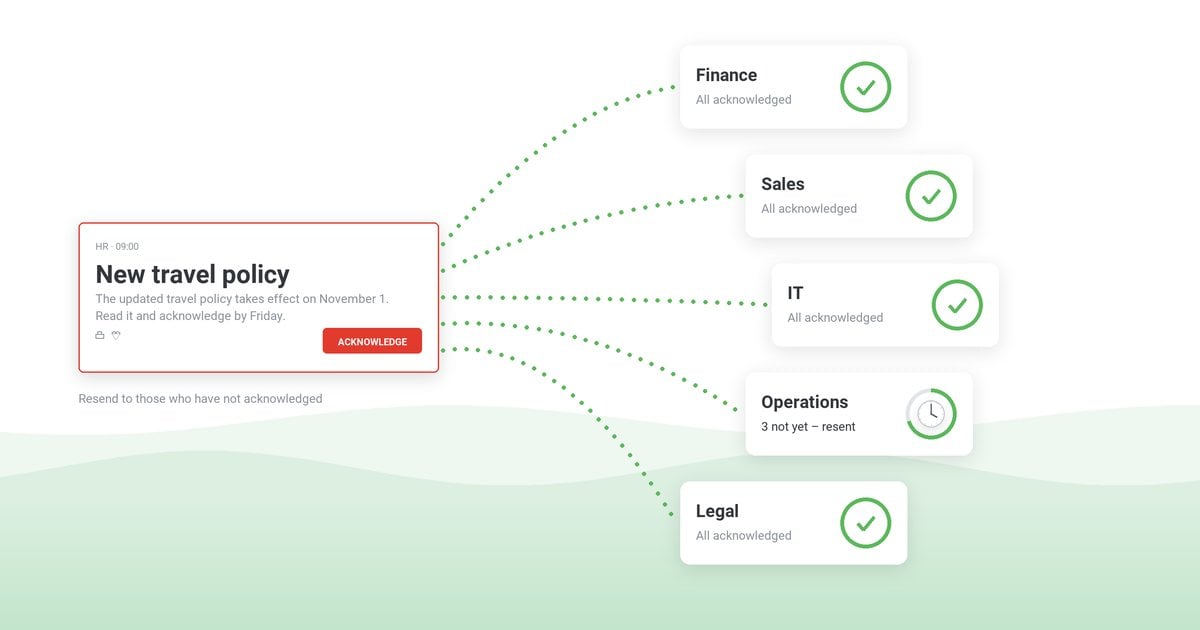
This is the reason why communication tools such as a notification software and using email only when necessary and appropriate should be considered. Also, if employees are within proximity of each other, encourage them to communicate face-to-face or through group chats instead of using email.
2. 43% of individuals seeking work who are under 45 years old think that SMS is a professional way recruiters communicate with prospects.
Although it has taken awhile for texting to be seen as a legitimate way for professionals to communicate and interact, data gathered by Software Advice found that people are changing their minds due to the proliferation and accessibility of text messaging.
Both the HRD department and job seekers now see the value and advantage of communicating through text messaging. Messages relayed through this medium are sent in small increments and quickly. The medium also gives people enough time to think before reading and responding. Communication is easy through texting, with recruiters being able to confirm interviews quickly and candidates being able to ask simple questions right away.
3. 26% of workers feel pressured to reply to work-related messages outside of work hours.
One the greatest and probably worst things about communication tools today is that it is quick, easy and accessible. Even if staff members are out of the office, they are still reachable and they can, in turn, still reply to work-related messages. And while no one really wants to reply to work messages during their free time, the survey found that a significant percentage of staff members feel pressured to reply.
However, even though staff members can be contacted during their free time, do remember to prioritize work-life balance. Instead of contacting your workers during their free time, utilize a notification software instead so that their work isn’t disrupted during the day while assuring that they are able to get the information they need.
4. 40% of staff members leave meetings without knowing what they need to do next.
Majority of us have sat through unproductive meetings; however it is rather surprising to find out that a good number of employees leave meetings without knowing what to really do with the information they received. This then means that what needs to be communicated isn’t communicated properly.
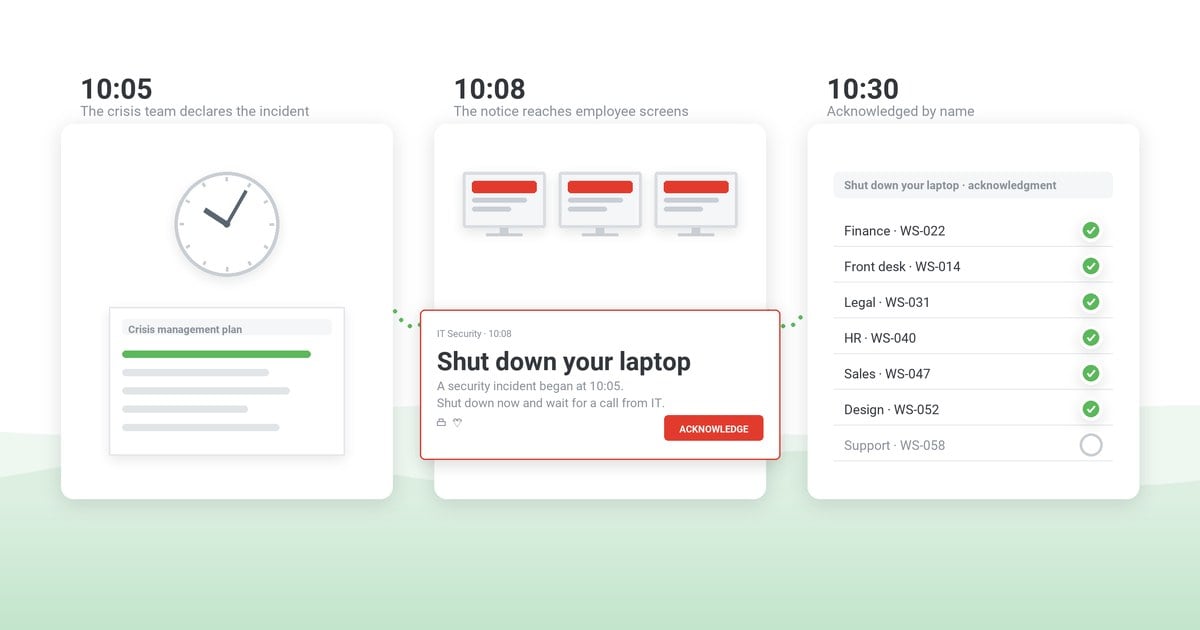
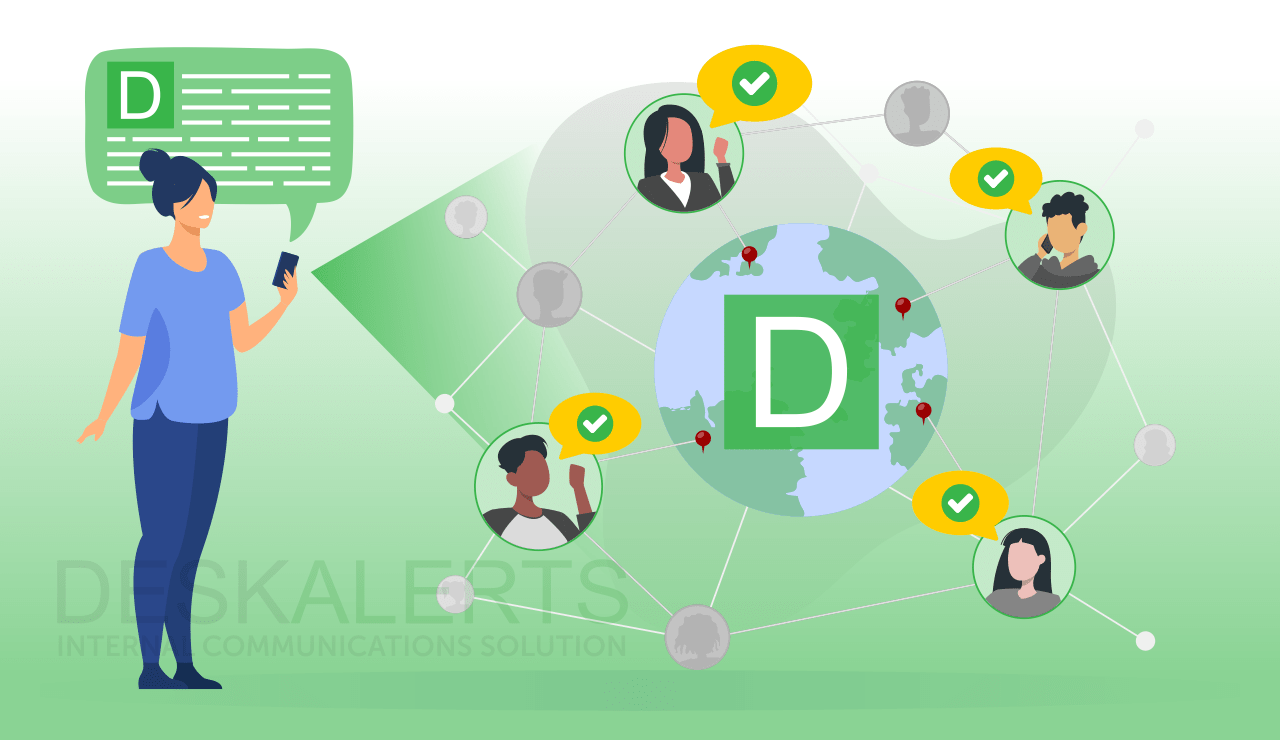
In order to avoid confusion, make sure to be organized during your meetings. Start off by stating your agenda, discussing the details of what needs to be discussed, and consequently come up with calls to action. Also, you can utilize communication tools such as a notification software, email, SMS, group chat and others to confirm with employees if they have understood what went on during the meeting, if they had any questions and if they are following through with the calls to action set.


 Steve Wilson: Oct 23, 2026, 9:00:00 AM