If an active shooter is on the loose, you’ll have a little-to-no warning that they are about to attempt to kill and injure people.
Table of contents
Benefits of an active shooter alert system
Four steps to be prepared for an active shooter in the workplace situation
Send fast active shooter notifications with DeskAlerts
How to use DeskAlerts features in an active shooter situation
Different active shooter needs for different industries
An active shooter is someone who is engaged in killing or attempting to kill others in an area that is either populated or confined. It could be anywhere – a school campus, a busy shopping center, an office building. Often, there is no pattern to the selection of victims. Once there are more than four injured or dead in the situation (excluding the shooter) the active shooter is considered a mass shooter.
Unfortunately, it’s hard to predict when and where an active shooter might strike, but according to the FBI's 2024 Active Shooter Incidents report, active shooter incidents span a wide range of locations — from open spaces and commercial settings to educational environments, government facilities, and houses of worship.
According to the FBI, active shooter incidents across the United States totaled 223 over the five-year period from 2020 to 2024 — a 70% increase compared to the previous five years (2015–2019), underscoring why preparedness remains critical despite a recent year-over-year decline.
According to the CDC, the United States recorded 44,447 gun-related deaths in 2024 — still far above the pre-pandemic baseline of around 40,000 in 2019, despite a recent decline from the peak of over 48,000 in 2022.
With statistics like these, you can’t afford to be complacent. What would you do if an active shooter was targeting your business? Do you have appropriate measures in place to alert your employees quickly to an active shooter in the workplace so that they have the best chance of survival?
According to the Department of Homeland Security, having preparedness plans in place and carrying out drills are some of the best ways you can help your employees survive an actual active shooter situation.
10 most needed emergency notification templates, including active shooter notification message
Free download

Benefits of an active shooter alert system
Investing in an emergency alert system for business that allows you to send active shooter notification messages to your employees could save lives.
An active shooter alert system can work alongside any other strategies that you put in place to protect employees, such as the “Run. Hide. Fight” program recommended by the Department of Homeland Security aimed at encouraging people to get themselves out of an area where an active shooter is quickly to a place where they are able to alert law enforcement to the situation.
Different active shooter alert systems have different features, but you should look for a system that lets you send active shooter alert messages:
- That is a reliable and stable system available 24/7
- Is easy for employees to operate — some systems are complicated and confusing with a poor user interface, which can result in wasted time when it is needed most
- Will send messages quickly – messages need to reach people within seconds, not minutes
- Is highly visible – people need to see the alert to be safe.
- Can reach employees on computers as well as phones and other mobile devices
- Can be used to keep students and faculty alike safe on campus
- Is affordable
- Has templates that you can customize and use easily
Does your company know how to deal with an active shooter?
Four steps to be prepared for an active shooter in the workplace situation
Being prepared in the event of an active shooter is key to ensuring that your employees have the best possible chance of making it through the situation unscathed.
1. Determine possible escape routes in advance
Identify if there are ways that your staff can easily get to safety – or if there is somewhere that they can safely shelter in place if an active shooter situation develops. Show images of your evacuation routes in prominent locations throughout your facilities.
2. Create an Emergency Action Plan
Create an Emergency Action Plan that your staff can enact in the event of an active shooter situation. This should set out the relevant procedures your staff should follow if there is an active shooter.
3. Train your employees
Along with the Emergency Action Plan, you should carry out various training exercises so that employees will know how to respond in a real active shooter situation. This should include:
- Recognizing what gunshots sound like
- How to evacuate or shelter in place.
- Acting against the shooter only as a last resort
- Contacting emergency services
- What to do when law enforcement arrives.
4. Prepare emergency templates in advance
When you have an active shooter situation unfolding, there can be little to no time to prepare emergency notifications from scratch to send to employees. Having pre-prepared templates will let you quickly send information to everyone when you need to.
Send fast active shooter notifications with DeskAlerts
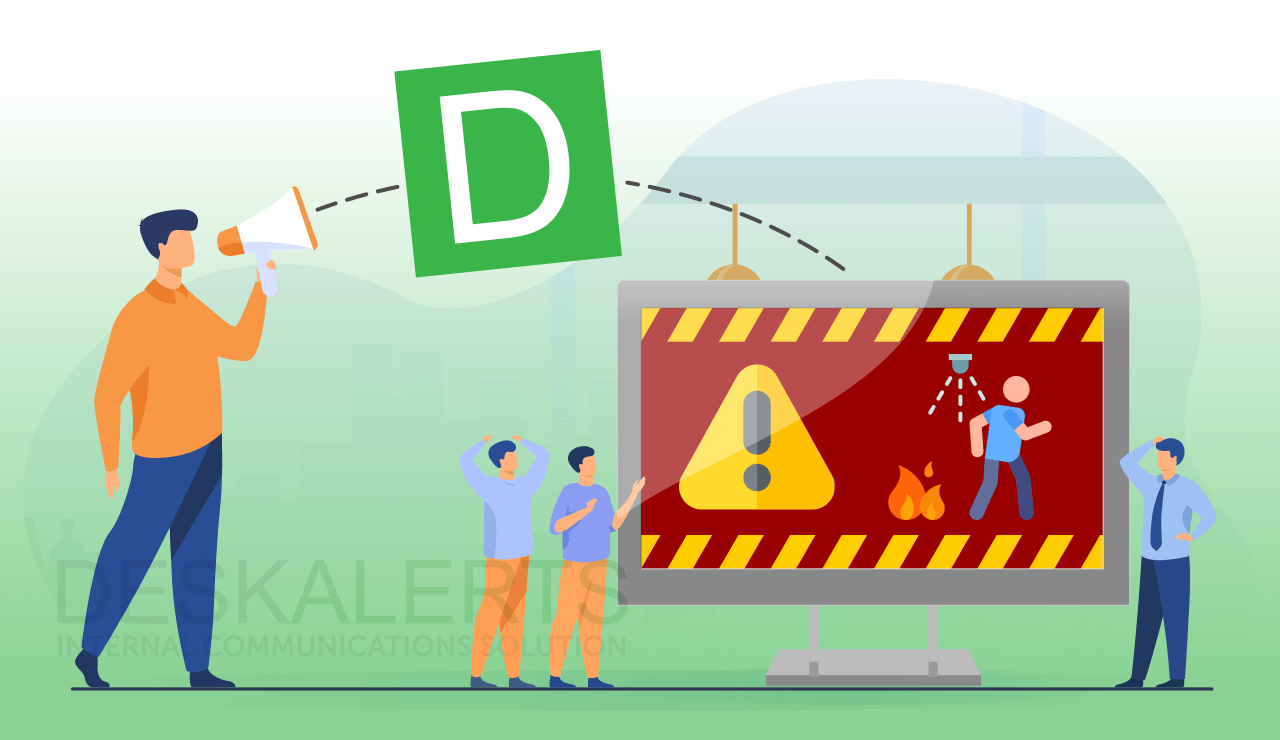
DeskAlerts has designed a solution to help businesses to respond quickly to a crisis such as an active shooter, enabling them to communicate with employees quickly in under a minute so that they can take measures to be safe.
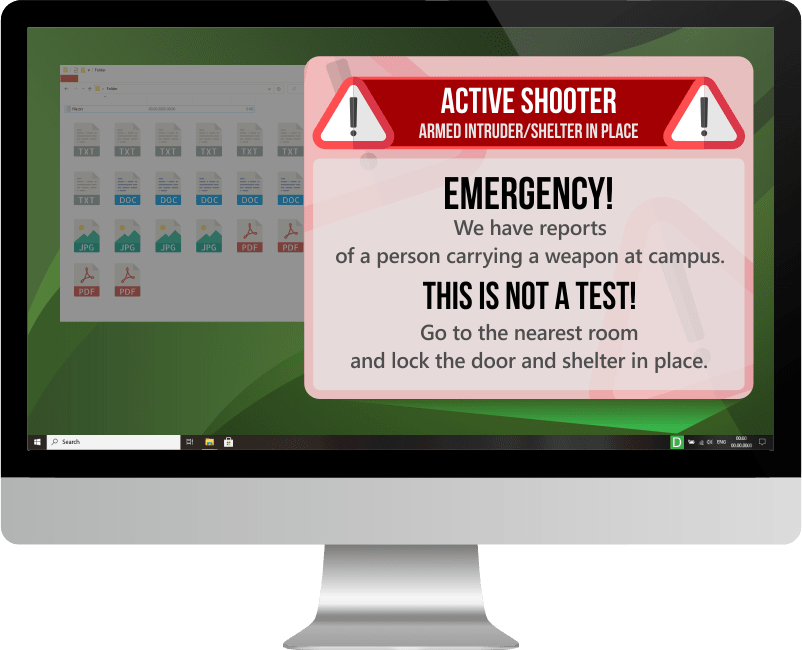
DeskAlerts is an internal communications software solution that works by sending notifications to employees’ desktop screens in a way that can’t be skipped, minimized or ignored. Messages are displayed even if the employees’ computer is locked or on standby or screensaver modes. It is not only an active shooter alert app. It can also be used to alert employees in a variety of other crisis situations.
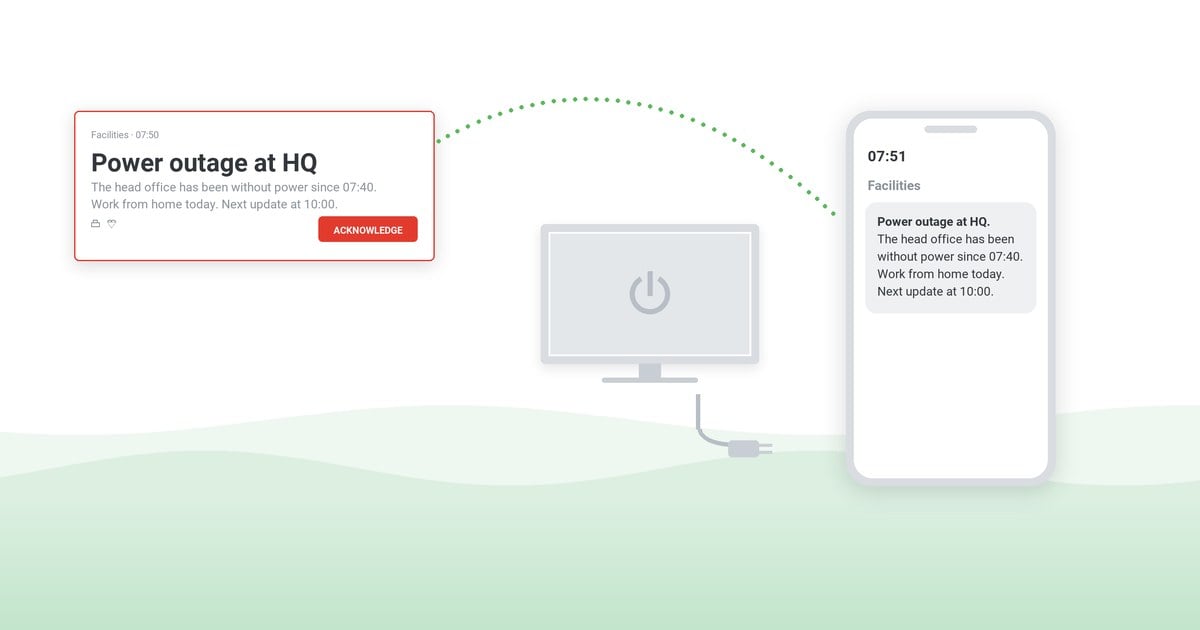
Generally, messages are sent from an interface that is accessed through a web browser and messages are displayed in the form of pop-up notifications on employee screens. Employees who are on the road or out of the office can still receive messages if they download a Google or Apple app for their smartphones and tablets, and receive the messages in the form of a push notification.
But when a situation develops so quickly that there isn’t time to log in and compose a message to warn people about danger, or if you aren’t at your desk when an emergency unfolds, there is a feature called a “panic button” which can be accessed either as a shortcut on an administrator’s desktop or via an app on a smartphone or tablet.
The panic button message created in advance gives your employees notice that there is a dangerous situation unfolding and they need to act quickly to get to safety. Think of it as being like an active shooter alarm.
An administrator can quickly and easily create a panic button shortcut by composing a customized emergency message template, downloading it to their computer and then using it to send notifications in a split second.
You can communicate with the entire workforce at the touch of a button, reaching as many people as possible inside a minute.
How to use DeskAlerts features in an active shooter situation
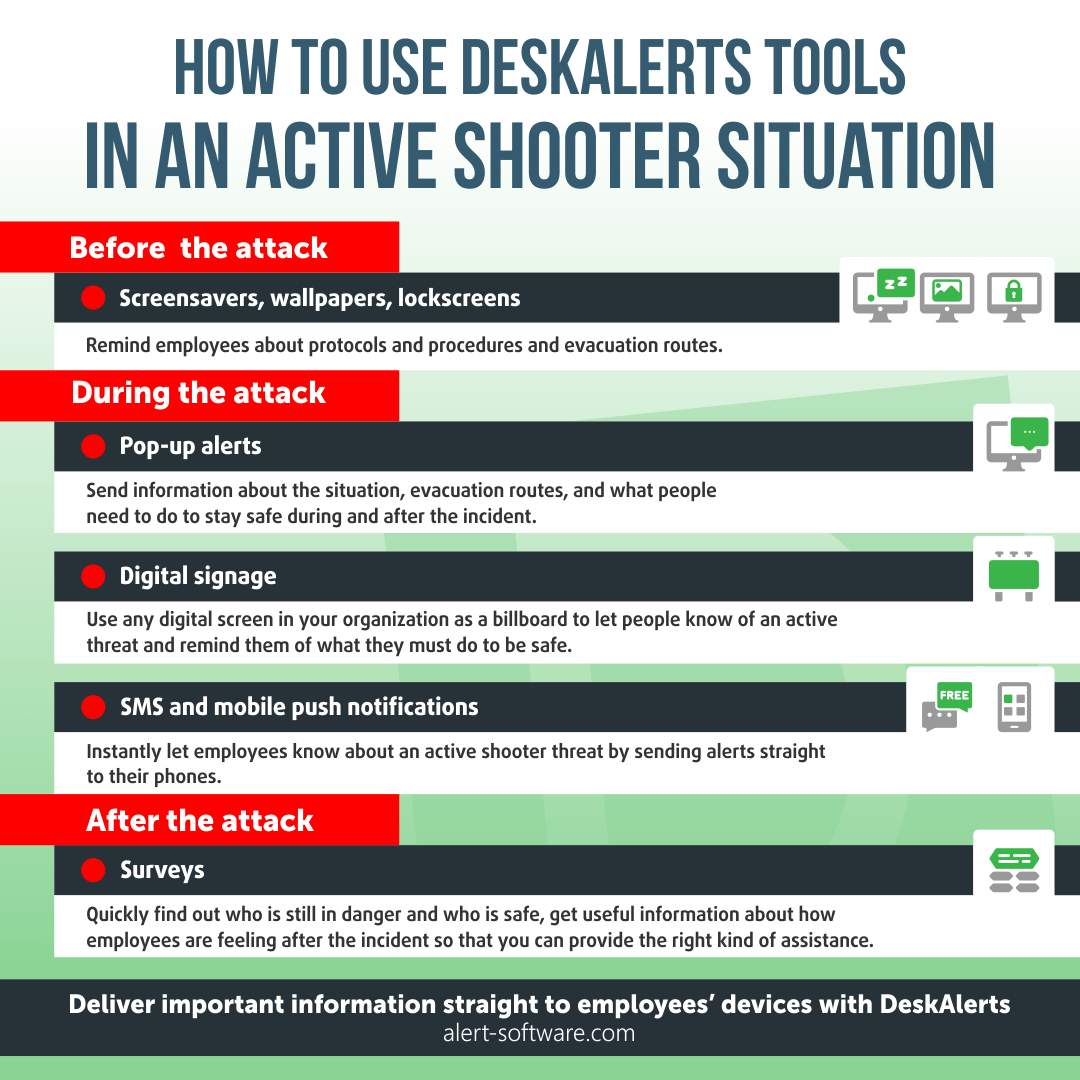
DeskAlerts has a range of tools, channels and other features to help you to inform and keep employees safe in an emergency, including an active shooter situation. This includes:
- Email – You can use this to let people know about a threat and remind them about different procedures and protocols in an active shooter situation
- Pop-up alerts – Notifications that open over all applications on employees’ computers within seconds of sending. You can send information about the situation as well as evacuation routes, and what they need to do to stay safe during and after the incident.
- Screensavers, wallpapers, lockscreens – Messaging making the most of the features that each computer has to remind employees about protocols and procedures and evacuation routes.
- Surveys – quickly find out who is still in danger and who is safe, get useful information about how employees are feeling after the incident so that you can provide the right kind of assistance. Even when there isn’t an active shooter you can test their preparedness for such an event and see if they understand what the protocols are they must follow.
- Digital signage – Use any digital screen in your organization as a billboard to let people know of an active threat and remind them of what they must do to be safe.
- SMS and mobile push notifications – Instantly let employees know about an active shooter threat by sending alerts straight to their phones.
Different active shooter needs for different industries
Different industries have different structures and different priorities. What one industry needs in terms of a response plan to an active shooter isn’t necessarily going to be the same for other industries.
Common industry needs are:
1. Campuses and schools
- Need to have appropriate procedures in place
- Need to prepare pre-defined active shooter alert in advance
- Must provide education and guidance to students, faculty and other campus users about what they need to do to stay safe in a crisis
- Must comply with the Clery Act in the United States to avoid fines.
2. The corporate and manufacturing sector
- Need processes in place that will prevent loss of life or injury.
- Need business continuity and HR processes in place to deal with anxiety and grief after such an occurrence as well as to mitigate production issues.
3. Hospitals and healthcare organizations
- Put systems in place to limit the ability for employees, visitors, patients or strangers to carry weapons in the facility.
FAQs
How to get an active shooter text alert?
Mass notification systems are used by companies and emergency services to let people know about dangerous situations that could impact them. An active shooter situation is just one of the ways this can be used, and it can include companies sending a text alert via SMS to mobile phones on a contact list that they maintain, alerting them to the situation. Emergency services in many countries use a similar system, but instead of sending to a contact list, they are able to send to all cell phones in the range of specific cell towers.
How to alert everyone in your office to an active shooter?
You can alert everyone in your office to an active shooter situation by using an active shooter alert system. Different alert systems have different features, but in general, they will quickly send messages to your colleagues’ mobile phones, computer screens and other digital screens in the office to provide critical information about the situation as well as instructions about what to do to keep safe. Communications channels used may include SMS messages, mobile app notifications, pop-up alerts on computer screens, screensavers and digital signage.

 Caroline Duncan
 Steve Wilson: Oct 23, 2026, 9:00:00 AM