Monitoring tells you something broke. Alert management decides who hears about it, how fast, on which screen, and what happens when nobody reacts. This guide covers both halves: what IT monitoring and incident detection software does, and how alert management turns its findings into messages people actually see, acknowledge, and act on.
Table of contents
1. What is alert management?
2. Alert management vs IT monitoring
3. What monitoring and incident detection software is used for
4. The benefits
5. The alert management lifecycle
6. Reducing alert fatigue
7. How DeskAlerts helps
8. Frequently asked questions
What is alert management?
Alert management is the discipline of handling alerts across their whole life: creating them from monitoring signals or human decisions, routing them to the right audiences, delivering them on channels built to be seen, repeating or re-sending when they go unacknowledged, and keeping the record of who received and who acknowledged each alert. Alert management software – sometimes called an alert management system or alerting software – is the layer that does this work on top of your monitoring stack.
In short: monitoring produces facts; alert management produces informed people. The gap between the two is where downtime gets expensive.
Alert management vs IT monitoring
Monitoring and incident detection software continuously observes systems, networks, and applications: it collects performance metrics, resource utilization, and traffic data, analyzes them against thresholds and patterns, and flags anomalies – system failures, security events, performance degradation – the moment they appear.
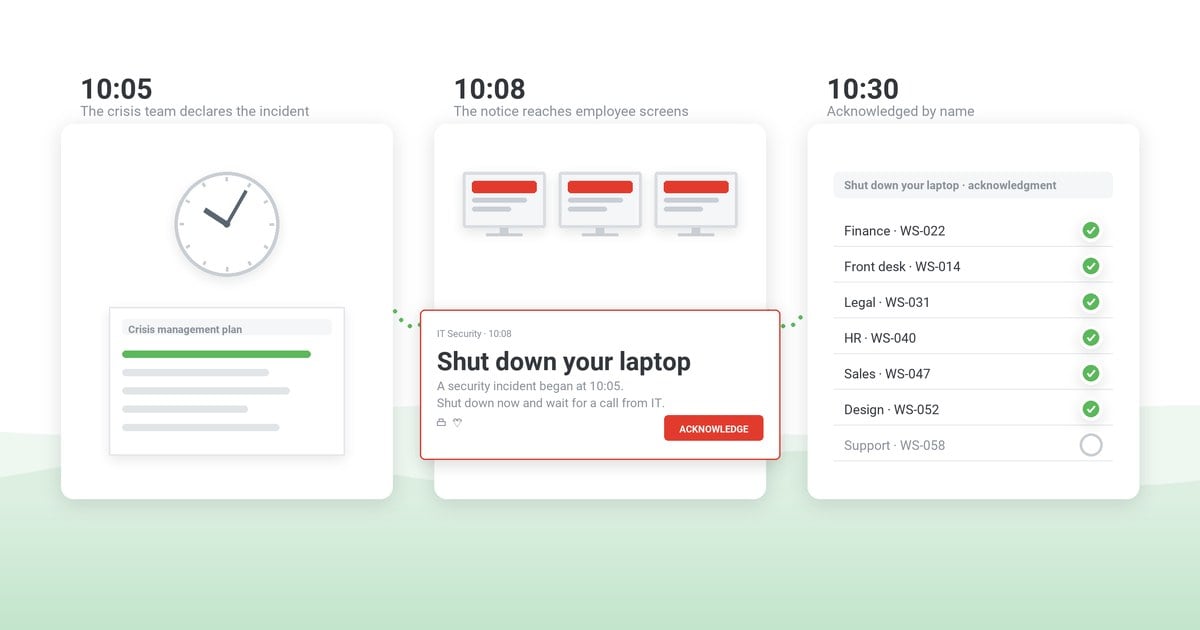
Alert management picks up from there. Detection is only useful if the right people learn about it in time: the alerting layer decides severity, chooses audiences, carries the message to screens, tracks acknowledgment, and re-sends to those who have not confirmed. Mature IT teams treat them as two halves of one pipeline – and write the communication half down as an incident communication runbook.
What monitoring and incident detection software is used for
Organizations use IT monitoring and incident detection software in the following ways:
- Monitoring the health and performance of IT systems and infrastructure.
- Detecting and responding to incidents, such as outages, security breaches, and performance degradation.
- Collecting and analyzing data to identify trends and patterns.
- Generating reports and alerts to keep IT teams informed of potential issues.
- Automating tasks to improve efficiency and reduce costs.
- Complying with regulations and standards.
- Improving customer satisfaction.
- Reducing downtime and improving uptime.
- Improving organizational security and protecting data.
- Making better-informed decisions about IT resources.
What are the benefits of monitoring and incident detection alerting software?
Four benefits show up as soon as the alerting layer is in place:
1. Visibility of system, network, and application health
You see problems while they are still metrics. Resource use, response times, error rates – the graphs show a service degrading before users feel it, and the alert arrives while the fix is still cheap.
2. High availability of critical services
Downtime shrinks. Availability is lost in the gap between “something broke” and “someone is working on it”; alerting compresses that gap, and that is the difference users actually notice.
3. Capacity planning and resource optimization
History becomes a plan. The same monitoring data answers capacity questions – what is growing, what sits idle, what needs hardware before next quarter – so spending follows measurements instead of guesses.
4. Security and compliance
Breach attempts, unauthorized access, anomalous behavior – detection only matters if the right people hear about it promptly. A record of who was notified and who acknowledged is also what security reviews ask for: the NIST Cybersecurity Framework 2.0 lists notifying internal and external stakeholders of incidents as an outcome of its own (RS.CO-02), separate from monitoring (DE.CM).
The alert management lifecycle
Whatever tools you use, a managed alert passes through six stages – and each stage is a decision your team should make once, in advance:
- Create. An alert is born from a monitoring threshold, an integration trigger, or a human decision – with a severity attached.
- Target. The audience is chosen: the IT team, an affected site, one department – never everyone by default.
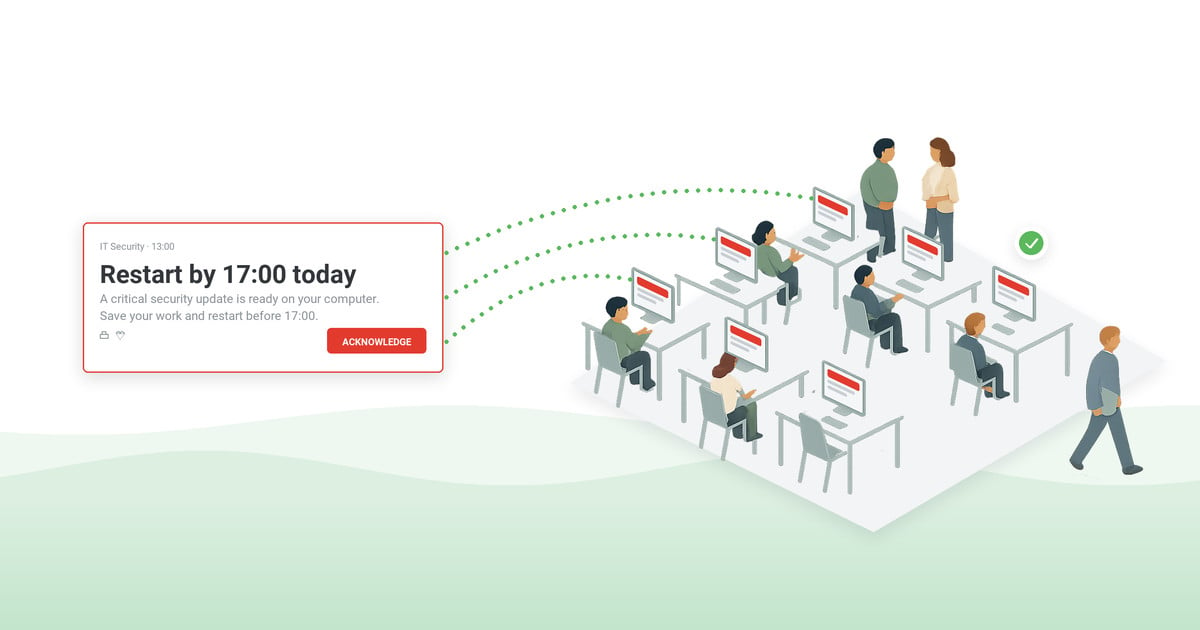
- Deliver. The channel matches the severity: interrupting pop-ups for critical incidents, ambient tickers for status.
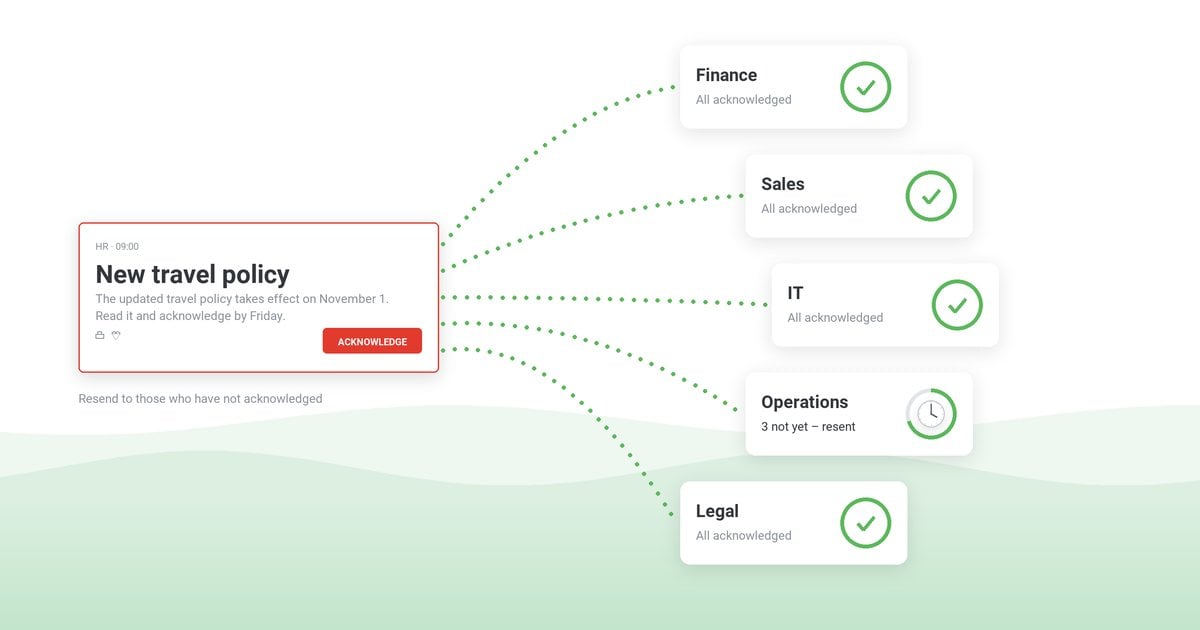
- Confirm. Acknowledgment turns sent into confirmed – per person, in a report you can export for the review.
- Re-send. Anyone who has not acknowledged gets the alert again – repetition to the same audience, not escalation up an on-call chain; for broad employee alerts it is the lever that matters, and the step most inbox-based alerting skips.
- Review. Delivery statistics feed the post-incident review, closing the loop on what worked.
Reducing alert fatigue
The fastest way to make alerting useless is to send everything to everyone. In monitoring pipelines the first fix is tuning out non-actionable alerts; for people-facing alerts, fatigue is a targeting problem before it is a volume problem:
- Audience discipline. Scope every alert to the people who can act on it or are affected by it.
- Severity honesty. Reserve the interrupting formats for incidents that deserve interruption; everything else rides ambient channels.
- Visual consistency. Color coding by alert type lets people triage at a glance – before reading a word.
- Templates. Pre-written wording keeps alerts short, uniform, and free of composed-under-stress noise – our IT outage message templates are a starting set.
How DeskAlerts helps IT monitoring and incident detection
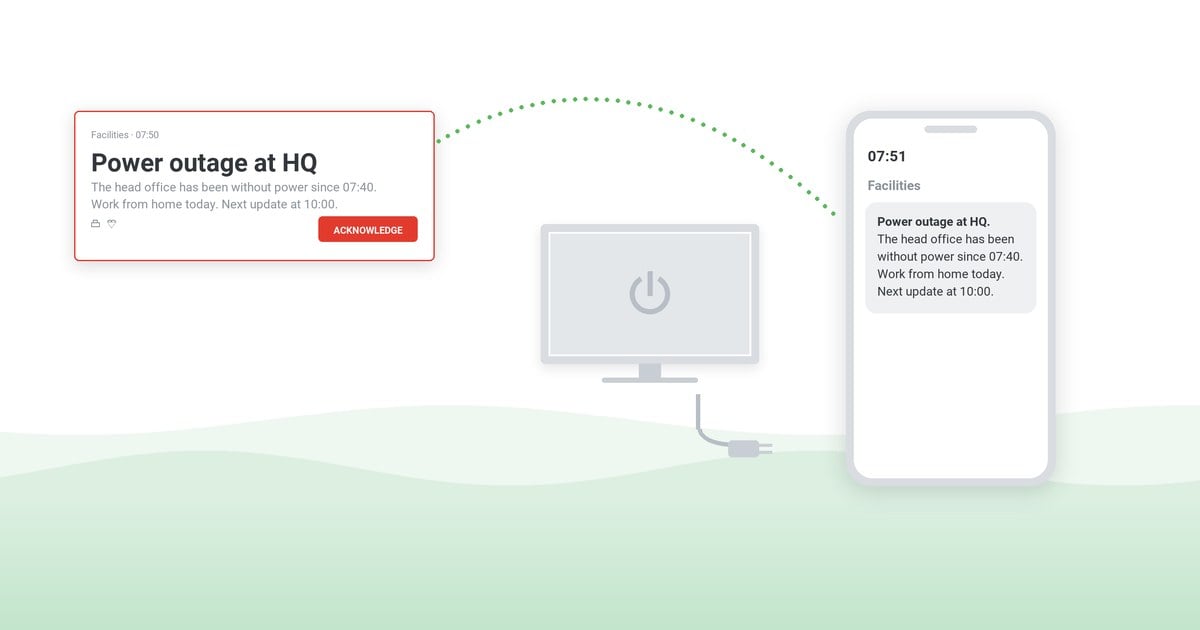
DeskAlerts is not monitoring software – it is the delivery layer that makes your monitoring visible. Detection tools are good at finding problems and bad at being noticed: their output lands in dashboards and mailboxes that get checked later. DeskAlerts puts the same signal on screens people are already looking at – desktop pop-ups, tickers, and mobile push, up to company-wide alerts – and folds into your incident response communication plan rather than replacing it.
1. Alerts triggered by your monitoring tools
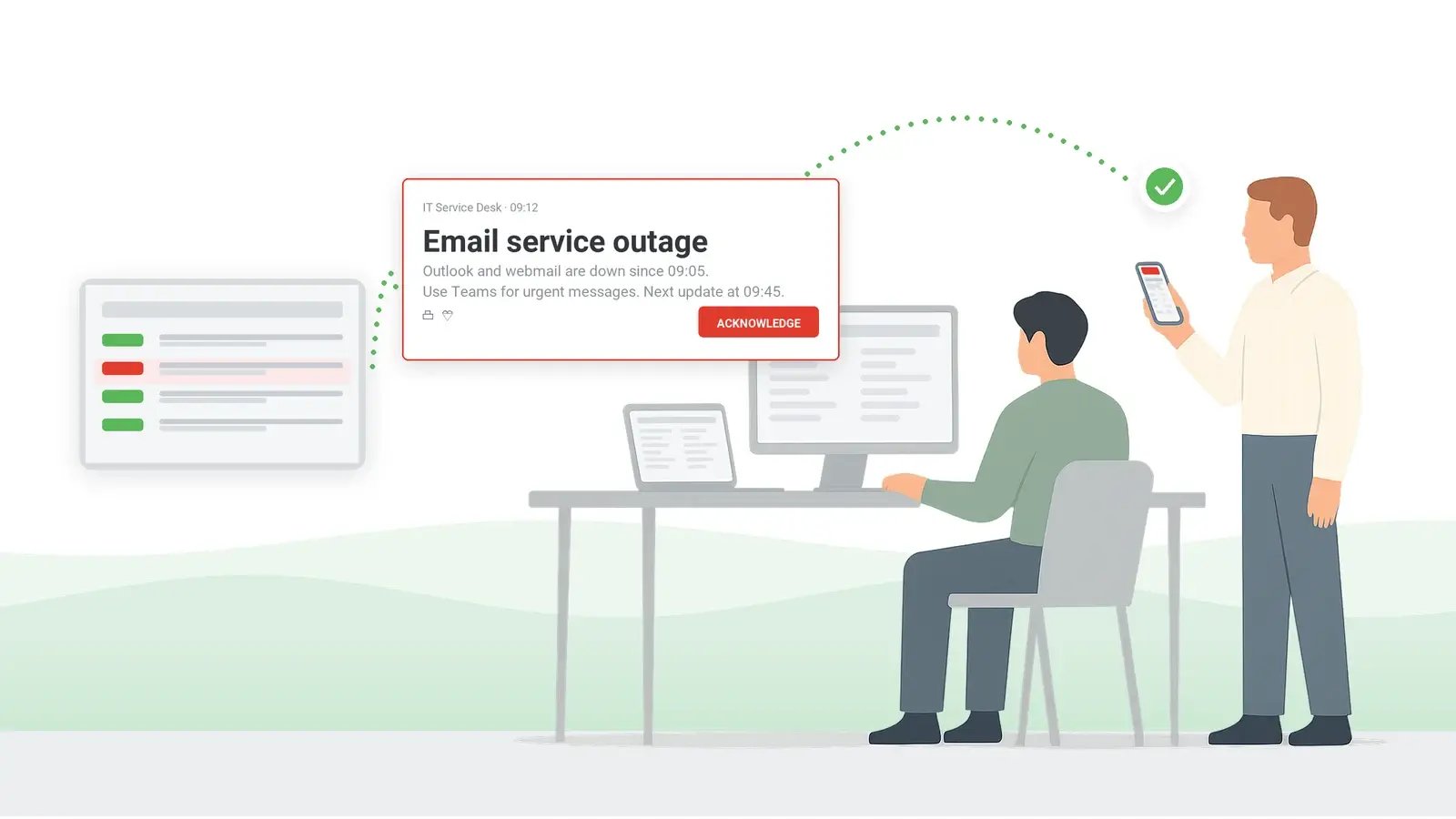
DeskAlerts has a documented REST API with an endpoint for creating and sending alerts. A monitoring system that can make an HTTP call when it detects a problem – on servers, in networks, applications, or databases – can use that endpoint to turn the detection into an employee-facing notification instead of a ticket nobody has opened yet.
2. Customizable alerts
What the alert says and looks like is up to you: templates, priority and color coding, and the channel mix – pop-up, ticker, or both – can differ per event type, so a disk-space warning does not dress like a security incident.
3. Automatic notifications
Once the API call fires, the alert goes out without a human in the loop – the on-call engineer stops being the bottleneck between detection and awareness.
Learn about the DeskAlerts IT outage notification solution
4. Send to custom audiences
Recipients are picked per alert: everyone during a company-wide outage, one office, the IT and security teams, or a single person. The security incident does not have to interrupt people who can do nothing about it.
For high-stakes alerts, turn on acknowledgment: per-person statistics show who has received the alert and who has acknowledged it, and the sender can resend it to those who have not – so what the monitoring stack found gets seen and acted on instead of waiting in a mailbox.
From monitoring signal to confirmed delivery
DeskAlerts connects to your monitoring and IT tooling through its API and carries incidents to the screens of the people affected – desktop pop-ups, mobile push, tickers – with audience targeting, priority handling, and color coding. Per-person acknowledgment statistics and resend to those who have not confirmed close the loop: what your monitoring detected gets seen and acted on.
Frequently asked questions
What are monitoring and alert systems?
Monitoring and alerting systems are IT operations tools used to oversee and track various aspects of systems and processes. They continuously collect data and analyze it and generate alerts or notifications when there are anomalies, failures or other predefined conditions.
What is alert software?
Alert software is the delivery layer for critical information: it takes a signal – from a monitoring tool, an operator, or a schedule – and turns it into notifications on channels built to be seen, such as desktop pop-ups, tickers and mobile push. It does not watch systems or thresholds itself; it tells the people affected about system failures, security breaches, performance issues, or other critical events in time, and records who has acknowledged.
Which software is designed for automatic alerts?
DeskAlerts is employee notification software that can send incident alerts automatically. Alerts are triggered by your monitoring tools through its documented REST API: when a monitoring system detects a threshold breach or an event, it calls the API and DeskAlerts delivers the notification to the affected people on their screens.
What is an alert in incident management?
In incident management, an alert refers to a notification or signal generated whenever a critical event occurs. Alerts are intended to promptly inform relevant stakeholders, such as IT departments, security, emergency response teams or management so they can take the necessary steps to resolve the situation. Incident management automation tools help get the alert to the right people on time.
What is alert management software?
Alert management software handles the delivery half of incident response: it takes signals from monitoring tools or people, turns them into targeted alerts on channels employees actually see, tracks acknowledgment per person, and re-sends to those who have not confirmed. It complements monitoring software rather than replacing it.
What is the difference between monitoring and alerting?
Monitoring observes systems and detects problems; alerting gets the right people informed in time. Monitoring is measured in metrics collected; alerting is measured in people informed – delivery, acknowledgment, and response times.

 Steve Wilson: Oct 23, 2026, 9:00:00 AM