A typical employee has too many tasks to accomplish in a normal working day, which can be challenging for the corporate communications team, HR, and other departments to get their attention. There is an ingenious and practical way to reach these employees: pop-up messaging.
Table of Contents
1. What is a pop-up message?
2. The benefits of pop-up messages for internal communications.
3. Most common ways to use pop-up messaging software for internal communications
4. Pop-up communication best practices
5. DeskAlerts pop-up messaging software for internal communications
Lots of organizations have embraced pop-up communication as a way to reach workers who are too preoccupied with work. Companies can deliver urgent messages to any employee, no matter where they are located, and the message can’t be missed or ignored. Pop-up communication is a powerful, effective way of reaching out to all employees.
What is a pop-up message?
A pop-up message is a box that appears on an employee’s screen that can contain text, video or images. Pop-up messages are designed to be eye-catching and to immediately grab the attention of the person sitting in front of the computer. For the tools built into Windows – net send, msg and PowerShell – see how to send a pop-up message to all computers on a network and where those tools stop.
Generally, pop-up communications will appear regardless of what else the person is doing at the time, and their deliberately intrusive nature means that information sent this way is hard to ignore.
The benefits of pop-up messages for internal communications
The way people prefer to communicate has changed over the past decade with the rise of social media, smartphones, messaging apps and so on. The corporate sector, however, is still often reliant on systems such as email and fragmented channels… and this can mean that employees are missing out on important information, even if you send it.
It’s not surprising that, according to the Staffbase Employee Communication Impact Report, 68% of employees say they are not well-informed about their company's performance and 54% don't feel familiar with their organization's goals.
If you’re relying on email to communicate with your employees, you face a lot of competition for their attention.
According to the Radicati Group's 2025 Email Statistics Report, the average office worker now receives around 121 emails per day and workers spend up to 28% of their workweek managing email, according to McKinsey.
This contributes to email overwhelm, which means that a lot of emails are never even opened and important information can be missed.
And spreading messages across multiple fragmented communication channels doesn't solve the problem either.
According to Microsoft's 2025 Work Trend Index, based on data from 31,000 workers, the average employee now receives 117 emails and 153 Teams messages every single day and is interrupted by a meeting, email, or notification every two minutes. With that level of noise across every channel, even genuinely important messages are easy to miss.
Communication via unavoidable and highly visible desktop pop-ups can make these issues a thing of the past.
The key benefits of pop-up messaging include:
- High visibility and read rate, which cannot be achieved with emails.
- They are delivered directly to the employee’s screen. There’s no need to change windows or browsers.
- They can be highly invasive if you need them to be – for example, a pop-up message can take up the entire space on a screen if you want it to.
- They can be visually appealing with creative graphic design, images, and the use of video.
- Built-in analytics and user reactions (‘likes’) mean that you are able to obtain readership statistics and feedback from users about your pop-up communication straight away, in real time.
Most common ways to use pop-up messaging software for internal communications
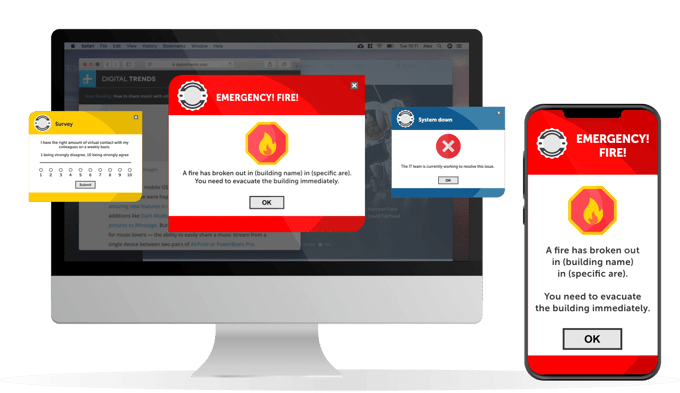
Pop-up messages can be used in different ways, such as:
1. Pop-up warnings in emergencies
When an emergency such as a fire or terrorist attack occurs, it is important for a company to notify its employees immediately so they can respond or take action. This is where pop-up software can come in handy.
Pop-up software can send a warning message to all employees' computers across a network. This way, companies that have thousands of workers can secure the safety of their staff during emergencies such as fire, terrorist attacks, earthquakes, storms, and other disasters.
According to our customer, Littelfuse Electronics from the United States:
“DeskAlerts enabled us to deploy emergency notifications to our employees’ desktops without relying on any of the existing platforms. It was important for us to have a pop-up notification that would be in the user’s face, no matter what they were working on at the time.”
2. Planned and unplanned IT disruptions pop-up warning
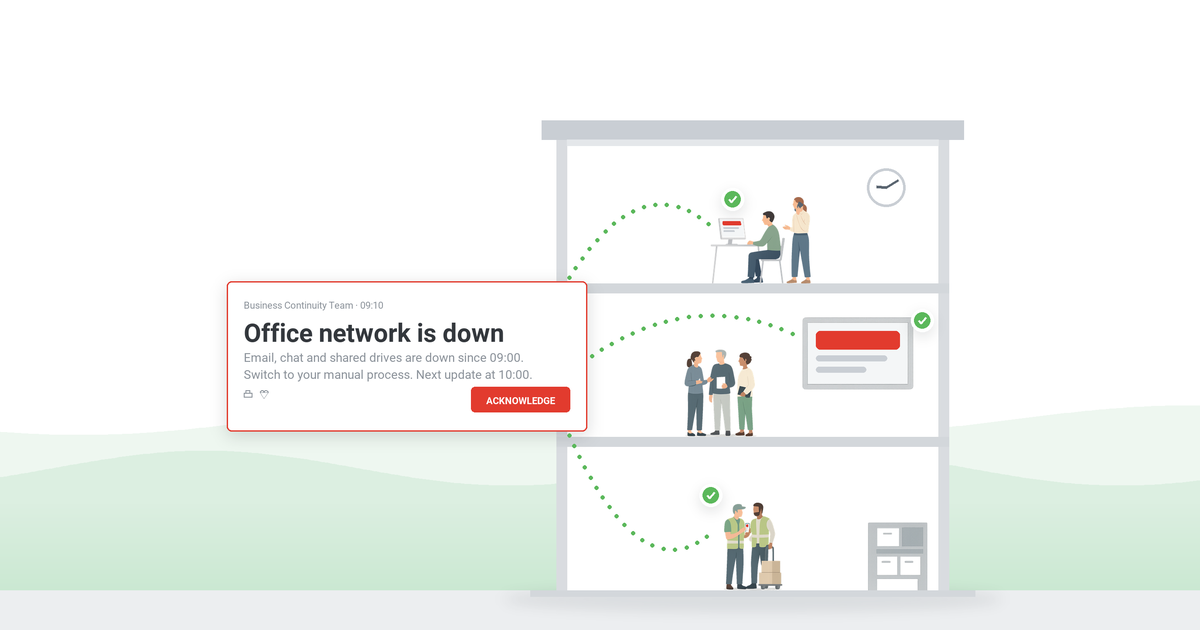
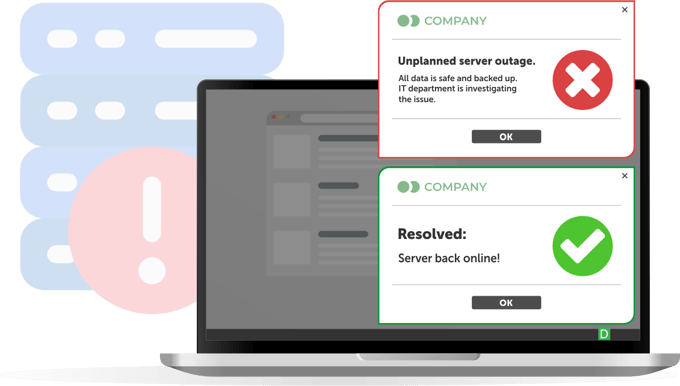
The IT team can send urgent advice to the rest of the organization by using pop-up messages. When the email server goes down, the IT group can immediately inform the rest of the company by sending a pop-up message to everyone across the network. This means the IT team can reduce levels of employee dissatisfaction with their services as they will be immediately notified of the problem.
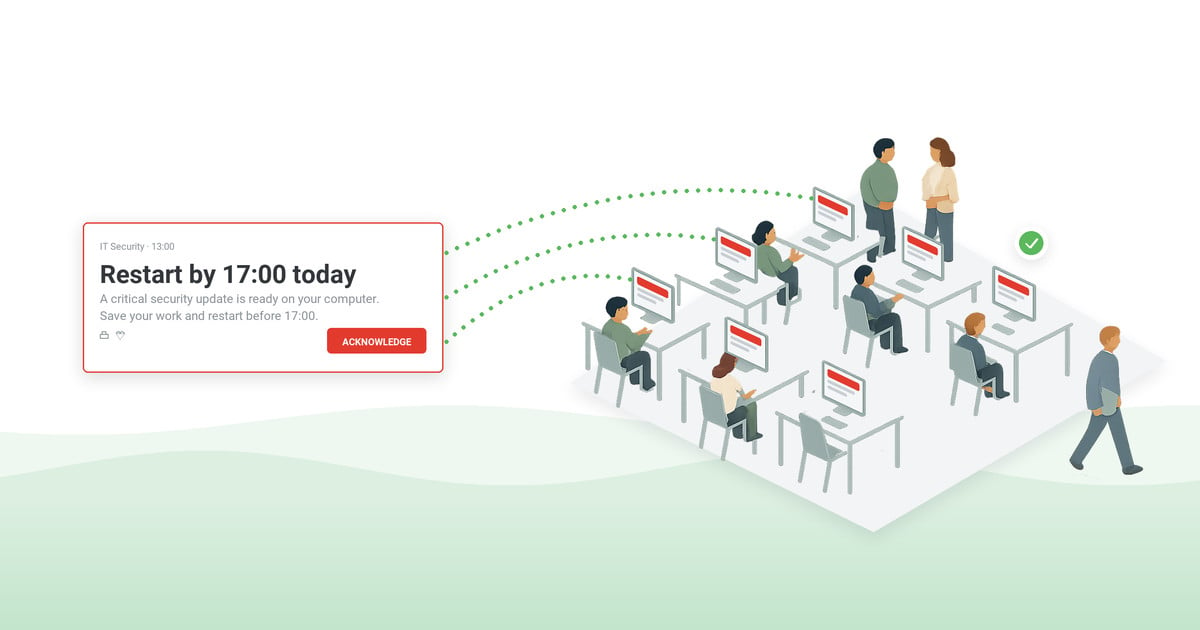
Another pop-up window example is when there is a cybersecurity threat to the network, such as a virus, malware, or ransomware. Instead of calling each department to tell them about the problem, the IT team can simply send pop-up communications to every desktop computer across the network.
According to our client, Shire Pharmaceuticals in Austria:
“With DeskAlerts notifications in place, we have a robust channel for communicating critical information to employees. The IT department uses it to deliver targeted notifications about system outages/recoveries and planned downtime, making sure messages are only delivered to the departments affected.”
3. Pop-up communication with important information, news and messages from the CEO
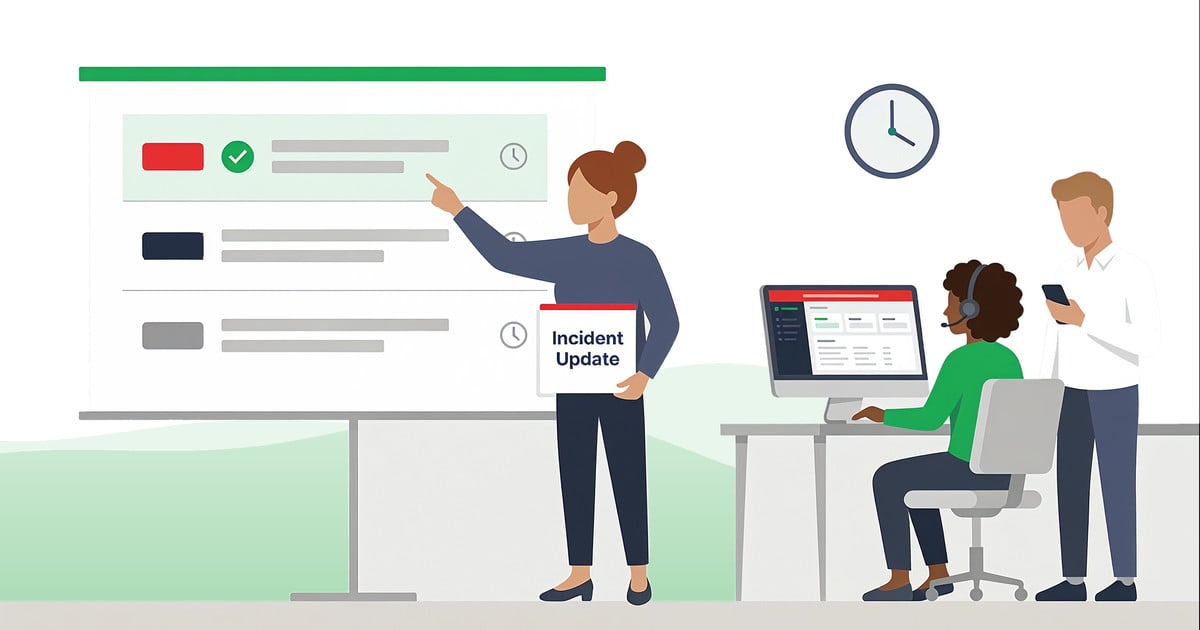
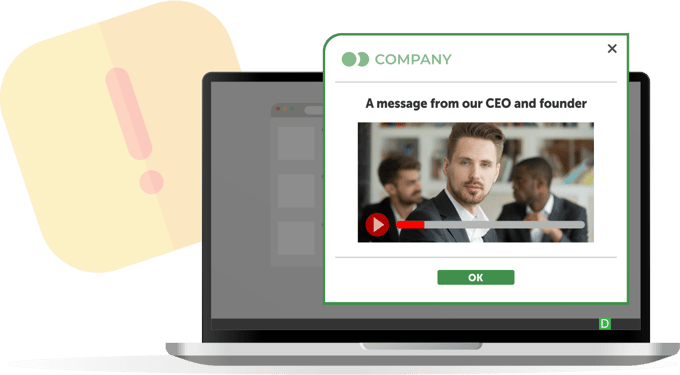
When there is important news to share, pop-up messaging is one of the best ways to push communication to your employees. This can include new product or service launches, new projects and initiatives, stock prices, industry news, new policies and procedures… pretty much anything that your employees need to know about. You can even send pop-up messaging that requires the employee to acknowledge they have read the information. This is very useful when you send information about new policies, procedures, or protocols that you need to ensure employees comply with.
According to our client, MedAmerica, healthcare in the United States:
“DeskAlerts has helped in getting important information to our employees in a very quick manner. I would definitely recommend DeskAlerts to other contacts.”
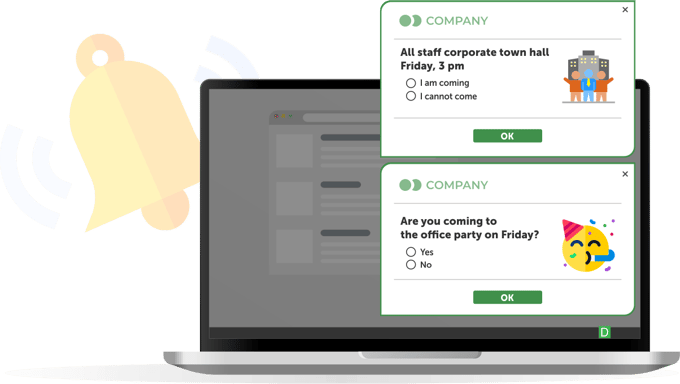
4. Activity reminder pop-up message
Company events requiring employee attendance can be promoted through the use of pop-up communications. Corporate communications, HR, and other departments responsible for the event can deliver pop-ups on the screens of workers, so they will be able to know that a charity event, product launch, or any other activity is about to take place within an hour or so.
These event scheduling and reminder alerts allow an employee to RSVP to an event invitation: they can either inform the host that they will attend or decline the invitation. They can also provide other responses, such as asking for the event to be rescheduled.
Using the RSVP feature can ensure you have a higher response and attendance rate at company events than if you used other methods, such as email, to send your invites.
According to our client, InfoTech, computer software in the United States:
“Whether it's notifying about a delay in a meeting start time or even just a reminder it's time to head out for a team lunch, the pop-up feature is very worthwhile.”
Pop-up communication best practices
When incorporating pop-up messages into your internal communications toolkit, it's important to follow these best practices to ensure you get the most out of them:
- Only send pop-up communications when you need to. Understanding how to send notifications is the first step – you should also understand when to send them. You’ll get more benefits out of your use of pop-up communication if you use it strategically. Like anything, if you overdo it, then you’ll take away the impact. You don’t want to end up in a situation where you send too many pop-ups that people dismiss without reading their contents.
- Be mindful of harming the employee user experience. The reason why pop-up communications work – because they are intrusive – can also be a reason people don’t like them. Make sure that you are sensitive to user needs when sending them. For example, if you know there is a major deadline today for a company project, don’t send pop-ups about topics that can wait until later.
- Send pop-up messaging to the right people. There are some things that are only relevant to a specific cohort of employees… so only send pop-ups to those to whom the message is relevant.
- Send pop-up communications at the right time. If you have important news to send, waiting until after everyone has left for the weekend on a Friday evening, for example, is not going to result in the message being seen by the largest number of people.
DeskAlerts pop-up messaging software for internal communications
DeskAlerts is a critical communications system that is installed on your network and on employee devices and allows you to communicate with them using a variety of channels and formats.
One of these is pop-up messaging, which can be sent to your employee screens. You can customize the appearance of the pop-up on screen, including designing it to match your branding and send messages in a variety of formats.
***
FAQ:
How can text messages be used to communicate with employees?
Text messages are a useful way to communicate with employees: they’re often going to check their phones throughout the day and will see any urgent messages. You can send these as traditional SMS messages, or send push notifications to phones through an app. You shouldn’t overuse this channel, but should send texts about things that require urgent attention, for example, if you’re closing a building because of inclement weather, you need people to remember an upcoming deadline, etc.
What is the use of a pop-up notification?
A pop-up notification is a window of text that appears on a computer screen, over the top of any other applications that are being used. It’s a very useful way to get peoples’ attention in a way that they cannot ignore.
What can you do to encourage employees to read announcements?
Employees can be encouraged to read announcements when they are sent to them in a way that they can’t skip or ignore. It is also beneficial to send announcements with a reading receipt/acknowledgment so that there is transparency and accountability.
What are three benefits of using instant messages or text messages in the workplace?
There are many benefits of sending employee notifications using instant messages or text messages. This includes:
- The ability to send messages quickly, reaching people in real time
- Knowing that the messages you send will be highly visible
- You’re communicating in a format that many people would prefer to be communicated to in.
What is a pop-up in messaging?
A pop-up message appears on screens in the form of text, or sometimes with graphics. It is designed to grab peoples’ attention.

 Caroline Duncan

 Steve Wilson: Oct 12, 2026, 9:07:00 AM