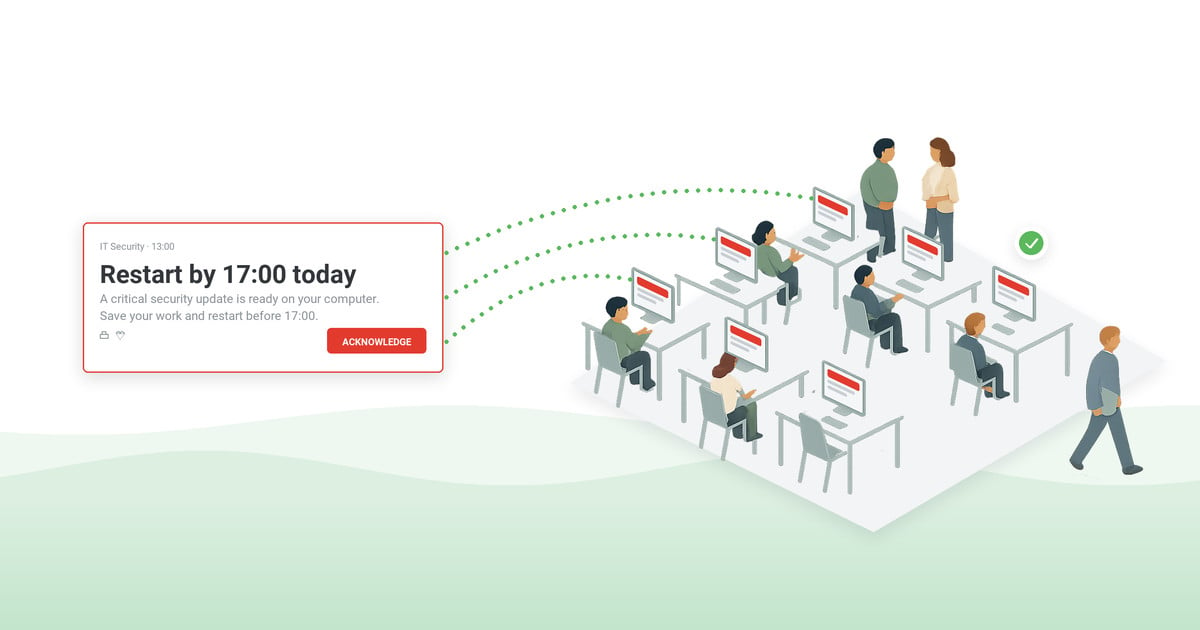
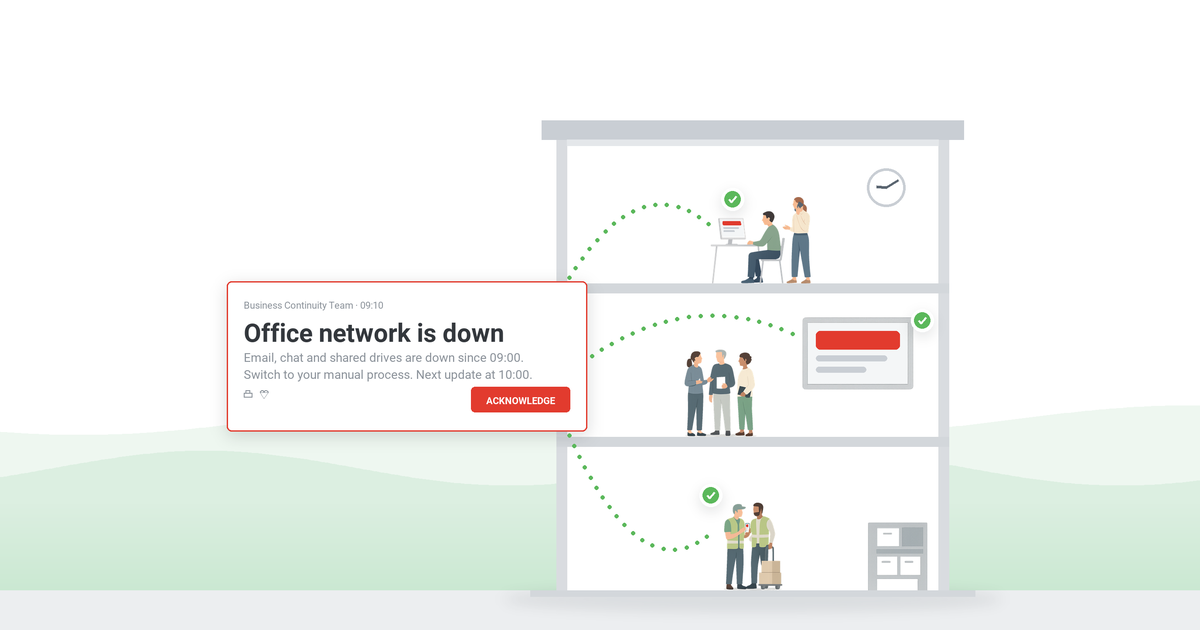
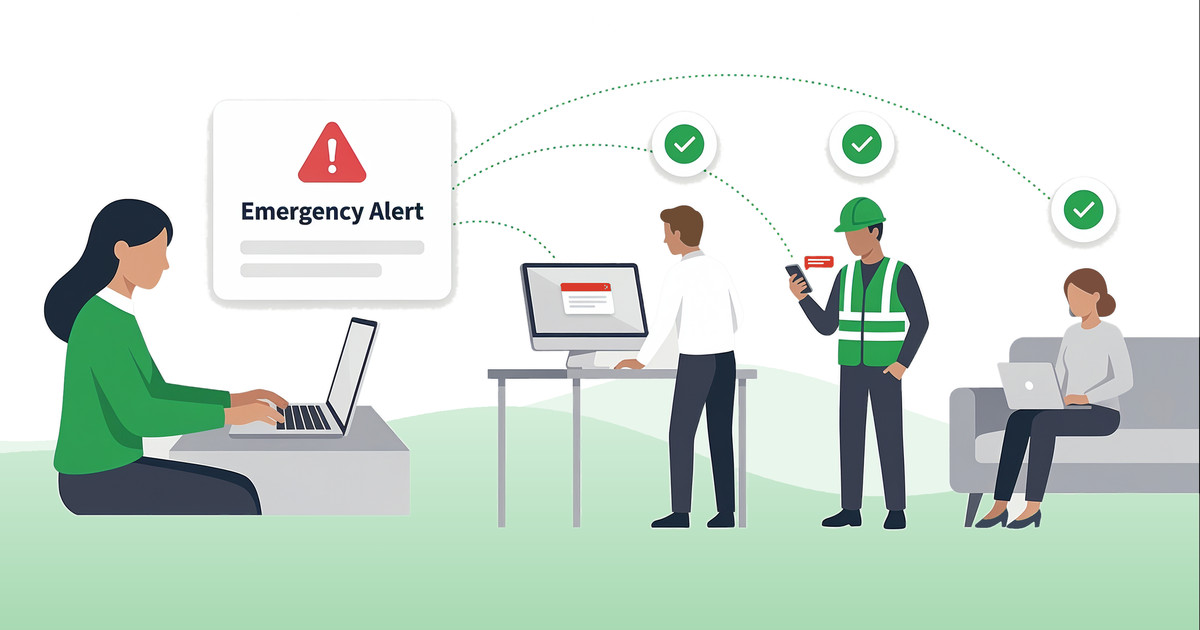
In a workplace emergency, the order of actions is: assess the situation, alert everyone affected at once, act on your emergency plan, account for every person, and give a clear all-clear. This guide walks through each step, the preparation that makes them work under stress, and the messages to send at every stage.
Table of contents
1. What counts as a workplace emergency?
2. How to handle an emergency at work: the five steps
3. What are the 3 C’s of handling an emergency?
4. How to prepare before an emergency happens
5. Who does what: emergency roles in the workplace
6. How to communicate during an emergency
7. After the all-clear: review and record
8. The bottom line
9. Frequently asked questions
What counts as a workplace emergency?
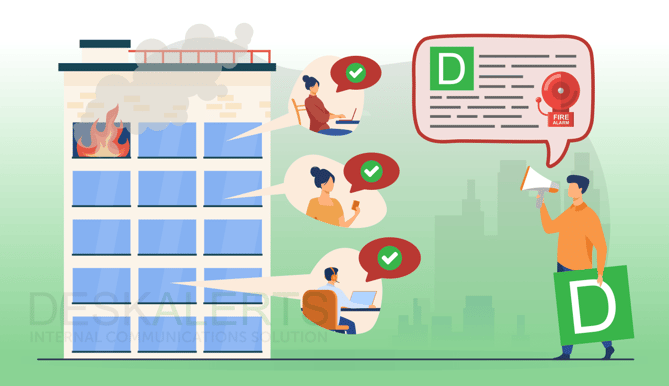
A workplace emergency is an unplanned event that threatens your employees, visitors, premises, or operations and demands immediate action. The common workplace scenarios are:
- Fire or explosion – the most drilled scenario, and still the baseline test of your alarm and evacuation routine.
- Medical emergency – cardiac arrest, serious injury, sudden illness on site.
- Severe weather – hurricanes, tornadoes, flooding; see our hurricane communication plan for the message sequence.
- Security threat – an intruder, workplace violence, or an active shooter.
- Hazardous materials – chemical spills, gas leaks, airborne hazards.
- Utility or system failure – power loss, structural damage, or an IT outage that takes down the tools your response depends on.
- Civil disturbance nearby – events outside your walls that still require keeping employees informed.
How to handle an emergency at work: the five steps
Every scenario differs in detail, but the sequence that keeps people safe is the same five steps, in order:
- Assess the situation. Take seconds, not minutes: what is happening, where, and who is in danger? Do not investigate hazards yourself – a locked-down assessment from a safe position beats a heroic close look.
- Alert everyone affected – immediately and on every channel. Activate the alarm and send the notification that tells people what to do, not just that something is wrong: “Fire on floor 2, evacuate via stairwell B, assembly point A.” The biggest failure mode in real incidents is the gap between detecting the emergency and telling the people it affects.
- Act on your emergency plan. Evacuate, shelter in place, or lock down – whichever response the scenario calls for in your emergency action plan. This is where preparation pays: people follow the route they have practiced, not the one on a poster.
- Account for every person. At the assembly point or shelter, run the headcount against who was on site – employees, visitors, contractors. Report anyone unaccounted for to responders; never re-enter to search.
- Give the all-clear – and only then stand down. An explicit, authorized all-clear message ends the response. Without it, people drift back on rumor, and that is how re-entry injuries happen.

What are the 3 C’s of handling an emergency?
The 3 C’s – Check, Call, Care – come from first-aid training, and they map directly onto the workplace sequence:
- Check – assess the scene for danger before acting (step 1 above).
- Call – get help moving: emergency services first when life or property is at risk, then the internal alert so everyone on site knows (step 2).
- Care – help within the limits of your training while the plan runs (steps 3–5). Trained first-aiders act; everyone else clears the way and follows instructions.
The 3 C’s keep an individual’s first minute structured. The five steps keep the whole organization’s response structured. You need both.
How to prepare before an emergency happens
Handling an emergency well is mostly decided before it starts.
Six things to have in place:
- A written emergency action plan. Scenario-specific procedures, evacuation routes, assembly points, and who has the authority to trigger each response. OSHA’s emergency preparedness guidance is the reference framework; your fire evacuation plan is usually the first chapter.
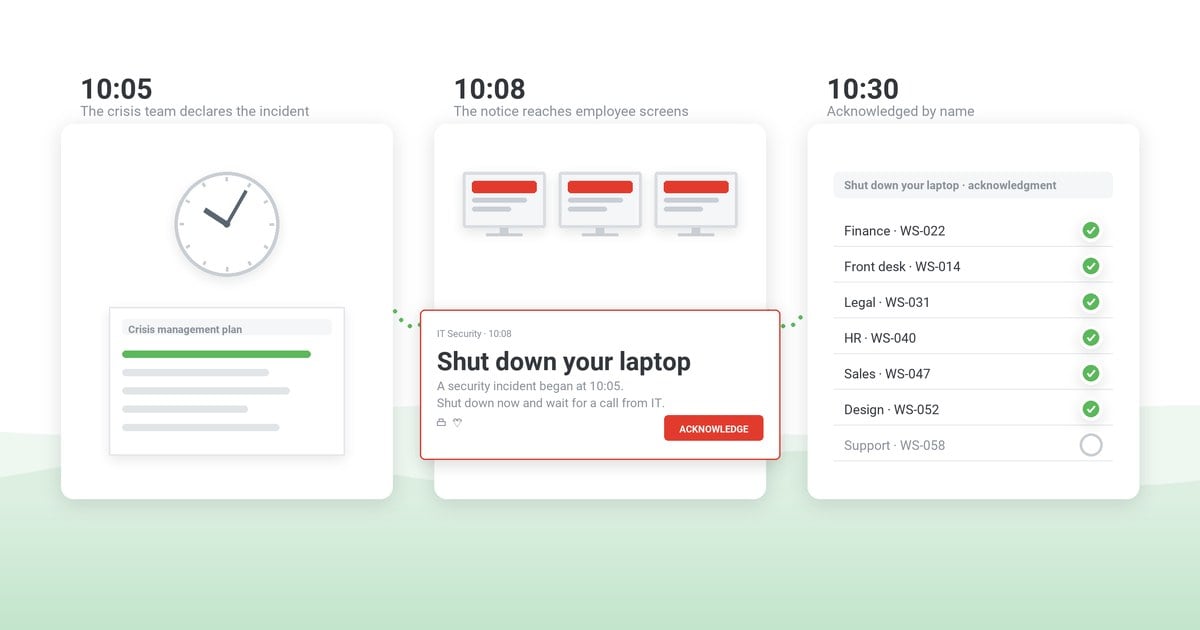
- An alerting system that reaches people where they are. Fire alarms tell people that something is wrong; emergency notification software tells them what to do – on desktops, mobile devices, and screens across the site, with delivery and acknowledgment logged.
- Named roles. An emergency coordinator, floor wardens, first-aiders – people who know the plan and have the authority to act on it (see the roles section below).
- Visible equipment. First aid kits, AEDs, extinguishers, spill kits – stocked, inspected, and known: employees should not discover their locations during the event.
- Training that includes practice. CPR and first-aid courses for volunteers, and regular workplace emergency drills so the routes and messages get exercised, not just filed.
- Ready-to-send message templates. Wording written under calm conditions beats wording improvised under stress. Start with our 10 prewritten emergency message templates for fires, lockdowns, chemical spills, and more.
Who does what: emergency roles in the workplace
Confusion about responsibility costs minutes. The split that works:
- The employer owns the plan: procedures, a working alarm and notification system, training, equipment, and the decision authority chain.
- The emergency coordinator (and deputies for every shift) triggers the response, sends or approves the alerts, liaises with emergency services, and declares the all-clear.
- Floor wardens sweep their areas, assist people who need help evacuating, and report their zone’s status at the assembly point.
- First-aiders provide care within their training until responders arrive.
- Every employee knows the exits, the assembly point, and the rule that an official alert outranks curiosity – act on the instruction, not on investigation.
How to communicate during an emergency
Communication is the step that turns a plan into coordinated action – and the one that fails most visibly when it relies on a single channel. Email is slow and often unread in the moment; a PA announcement misses remote and off-floor staff. The pattern that works is layered: an on-screen alert that appears over whatever employees are working on, a mobile push for anyone away from a desk, and corridor or signage screens for shared spaces.
Three messages carry the response:
- The start signal – what happened, what to do now, where to go. One sentence of instruction beats three sentences of description.
- Updates – on a stated cadence (“next update in 15 minutes”), even when the update is “no change.” Silence gets filled by rumor.
- The all-clear – explicit, authorized, and delivered to everyone who received the start signal.
Example start signal – fire evacuation
“FIRE ALARM – Floor 2, east wing. Evacuate now via stairwells A and B. Do not use elevators. Assembly point: parking lot C. Acknowledge this alert when you are out of the building.”
Nine more scenario messages – lockdown, chemical spill, severe weather and others – are in the free template pack.
For an employee-facing system this is the core use case: our guide to emergency communication software covers how to choose one, and the template pack gives you the wording for each of the three messages.
After the all-clear: review and record
The response ends with the all-clear; the improvement starts after it. Hold a short debrief the same day while memory is fresh, then capture what happened in an after action report: what was expected, what actually happened, and who fixes what by when.
The communication part of that record is the easiest to get right, because it does not rely on recollection: if your alerting tool logs delivery and acknowledgment, you can see when the alert went out, who confirmed it, and who was reached late – and feed exactly that into the next revision of the plan and the next drill.
The bottom line
Handling a workplace emergency is five steps executed in order – assess, alert, act, account, all-clear – by people who knew their roles before the day arrived. The preparation list above decides whether those steps take seconds or minutes; the communication layer decides whether everyone hears them in time. Prepare the plan, practice it, and make sure the alert reaches every screen and pocket it needs to.
Reach everyone in the seconds that matter
DeskAlerts delivers emergency alerts to employee screens and mobile devices in a can’t-miss format – with delivery and acknowledgment logged, so you know who has been reached and can prove it afterwards.
Frequently asked questions
What is the first thing to do in an emergency at work?
Assess before you act: take a few seconds to understand what is happening, where, and who is in danger – from a safe position. Then raise the alarm and send the alert that tells people what to do. Acting without assessing wastes the assessment; assessing without alerting wastes the seconds that matter most.
What are the steps to take when dealing with an emergency?
Five steps, in order: assess the situation from a safe position; alert everyone affected on every available channel with a clear instruction; act on the emergency plan (evacuate, shelter, or lock down); account for every person at the assembly point; and give an explicit all-clear before anyone returns.
What are the 3 C’s for handling an emergency situation?
Check, Call, Care – a first-aid sequence: check the scene for danger, call for help (emergency services and the internal alert), and care for those affected within the limits of your training. In a workplace it complements the organizational five steps rather than replacing them.
What are the four steps of basic emergency procedures?
The compact version used in many procedures: assess, alert, act, account. The workplace version adds a fifth – the explicit all-clear – because uncontrolled re-entry is one of the most common ways people get hurt after the main event.
What are examples of emergency situations in the workplace?
Fire or explosion, medical emergencies, severe weather, security threats such as an intruder or active shooter, hazardous material spills or gas leaks, major utility or IT failures, and nearby civil disturbances that affect employee safety. Each needs its own response procedure in the emergency action plan.
Who is responsible for handling emergencies in the workplace?
The employer is responsible for having a plan, a working alerting system, training, and equipment. During an event, a named emergency coordinator runs the response, floor wardens sweep and report their zones, first-aiders provide care, and every employee is responsible for knowing the exits and following the official instruction.
How often should workplace emergency procedures be practiced?
At least annually for the baseline evacuation drill, and more often for high-risk sites or scenario-specific responses – many organizations run one full drill plus one or two smaller exercises per year. The practical guide is our workplace emergency drills article, which covers frequency by drill type.
What is the difference between an emergency action plan and an emergency communication plan?
The emergency action plan defines what people do: procedures, routes, roles, and equipment. The emergency communication plan defines how everyone finds out: channels, message templates, senders, and the update cadence. They fail separately – a good plan nobody hears about protects nobody.


 Steve Wilson: Oct 16, 2026, 9:00:00 AM