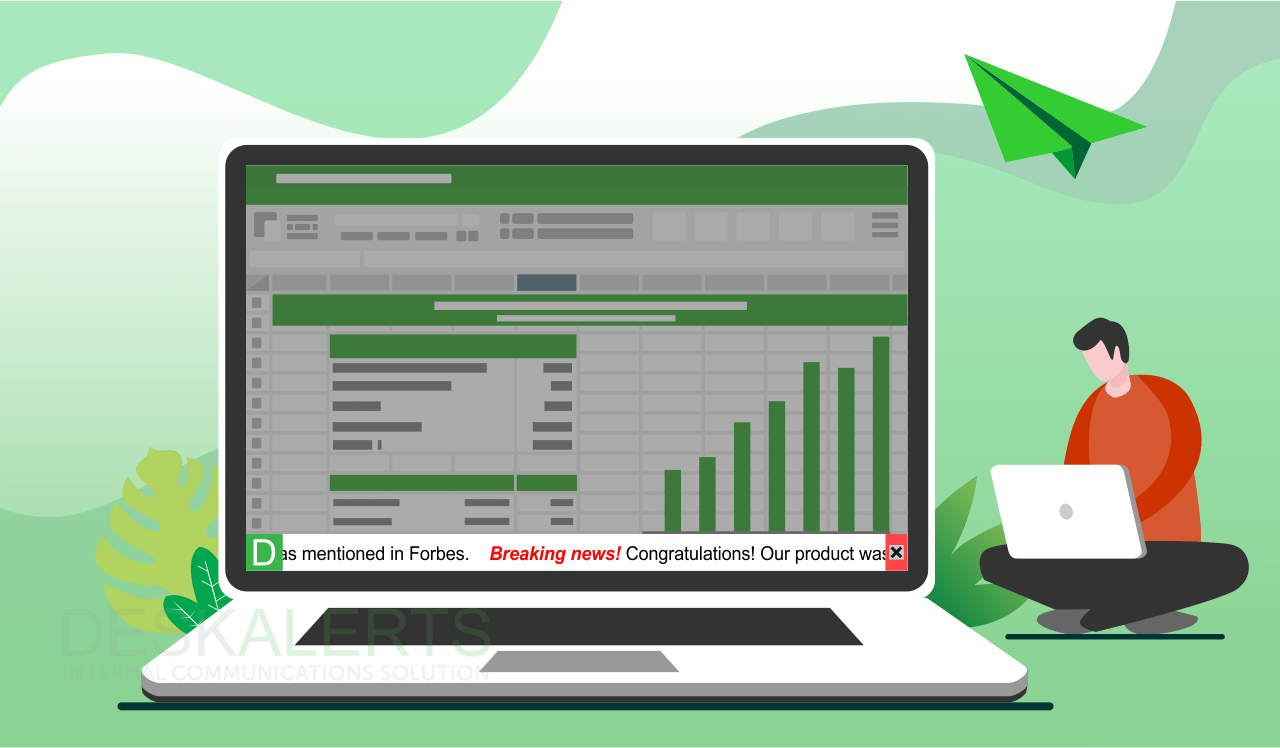
One of DeskAlerts’ popular features is the scrolling ticker tape function where you are able to scroll a band of text along a section of your employees’ computer screens that appears in a way that’s similar to the ticker tape that goes along the bottom of the screen on news and current affairs television programs.
What is ticker tape?
Just like a scroll news ticker, the digital scroll ticker appears on employees’ screens in an eye-catching way, and they are able to click on the headline or text you have sent them to find out more information.
More traditional methods of internal communication may not have the “cut through” and reach that a scrolling ticker can offer you, putting the information quite literally under your employees’ noses. Scrolling tickers will appear on the employees’ screens in a deliberately disruptive way, no matter what other software or application they are using at the time.’
Creative ideas for your ticker scroll
The information that you send employees is completely up to you and you are only limited by your own imagination. Some of the things you can include in a ticker scroll include:
- Your company’s latest corporate news, announcements and media releases.
- Links to external and internal newsletters once they have gone live.
- Information about new policies and procedures or resources.
- News headlines about topics that are relevant to the industry you work in.
- Provide information about any IT issues such as system statuses, outages and expected resolution time for known issues.
- Information about any legislative or other regulatory requirements that have changed or need more awareness.
- Internal awareness raising of different teams and departments within your organization and how they can help other teams, such as marketing, communications, IT, HR, finance, legal, sales and so on.
- Making employees aware of important content that resides on your internet or intranet sites.
- Fun facts and trivia about your organization or industry.
- Hints and tips about wellbeing such as the importance of taking regular breaks, being aware of stress, leaving work on time etc.
- Hints and tips on workplace health and safety requirements.
- Reminders about emergency procedures such as where to evacuate in the event of a fire.
- Hints and tips on internet security and the types of cyber threats that employees should be vigilant about.
- Reminders about important upcoming events your organization is holding.
- Reminders about key dates such as deadlines, special days that need to be observed, holidays, closures and so on.
- News about staff social activities.
- Recognizing teams or individuals that have been working above and beyond.
- Links to video content.
- To deliver micro or “burst” learning opportunities to your employees.
- To send specific information to different groups of people that’s relevant to their work.
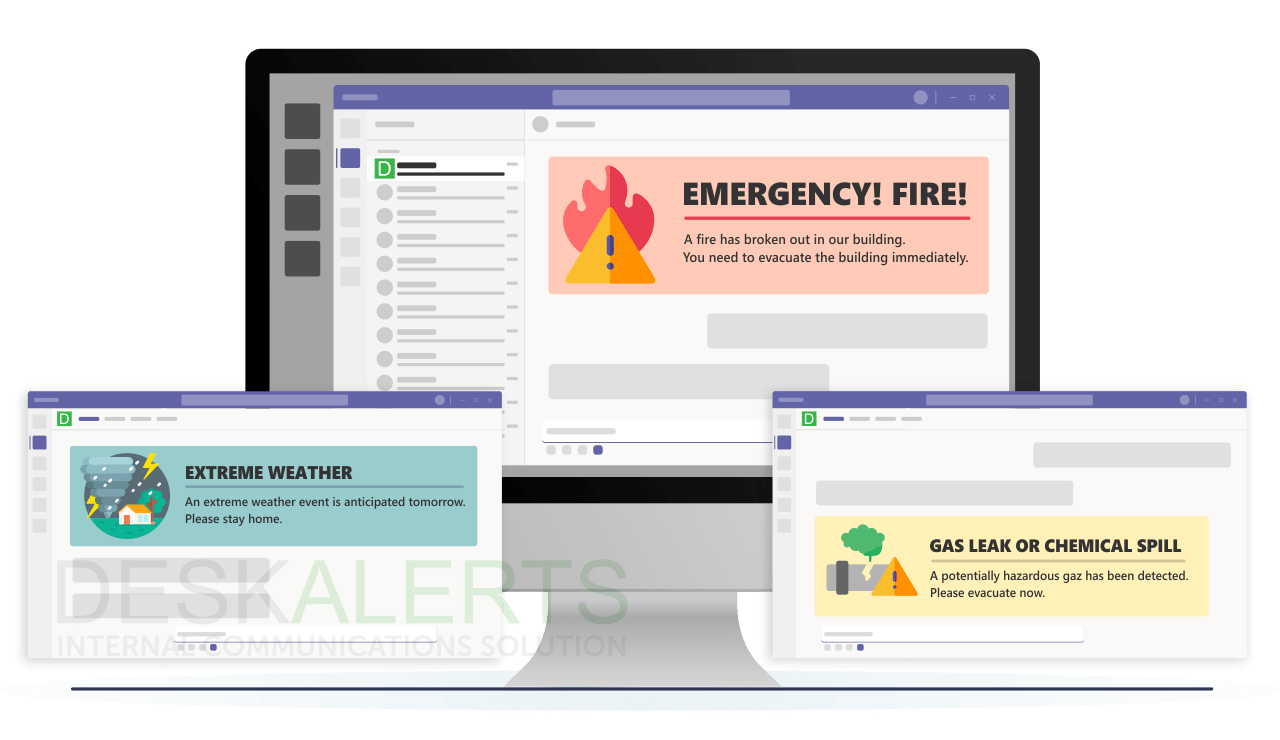
- To deliver emergency communications and warnings – for example if you know there are going to be severe storms or forest fires in your area or there is a major situation in your city such as a terror attack.
Conclusion
If you’d like to see some news ticker examples in action, get in touch with our internal communication experts for a free demo of DeskAlerts’ features today.
FAQ:
What is a scrolling ticker?
A scrolling ticker is a digital display element that’s commonly seen on news channels or websites, that presents a continuous stream of text that scrolls horizontally across a screen. Tickers display news headlines, stock prices and other updates, allowing people to quickly catch up on information without interrupting the main content being displayed.
What is the scrolling news bar called?
The scrolling news bar is commonly referred to as a “news ticker” or simply a “ticker”.This news ticker tape displays a continuous stream of news headlines or updates.
What is the purpose of a ticker?
The purpose of a scroll ticker is:
- To provide concise news updates in real time
- Allows users to stay informed without disrupting the main content
- Offers a continuous stream of information in a compact format
- Enhances user experience by providing quick access to important information
- Facilitates multitasking by allowing users to stay updated while focusing on other tasks or content.
Why is ticker tape the best?
Ticker tape news delivery is traditionally used in the broadcast world to send updates on different topics quickly. Scrolling ticker tape helps to convey a sense of excitement and captures the essence of fast-paced news updates.

 Caroline Duncan
 Steve Wilson: Nov 5, 2026, 8:00:00 AM